

When you purchase through links on our site, we may earn an affiliate commission. Here’s how it works. |
Magic Lantern is an open-source firmware extension for Canon DSLR cameras to add features that extend functionality for both photographers and videographers. We wanted to talk about Magic Lantern and discuss it with the new development team as there seemed to be newfound energy around the project. But first, to talk about the present you must know the past. So, let’s take a step back to the birth of the Canon EOS 5D Mark II and follow the project through the years.
The Camera Responsible for it all: Canon EOS 5D Mark II
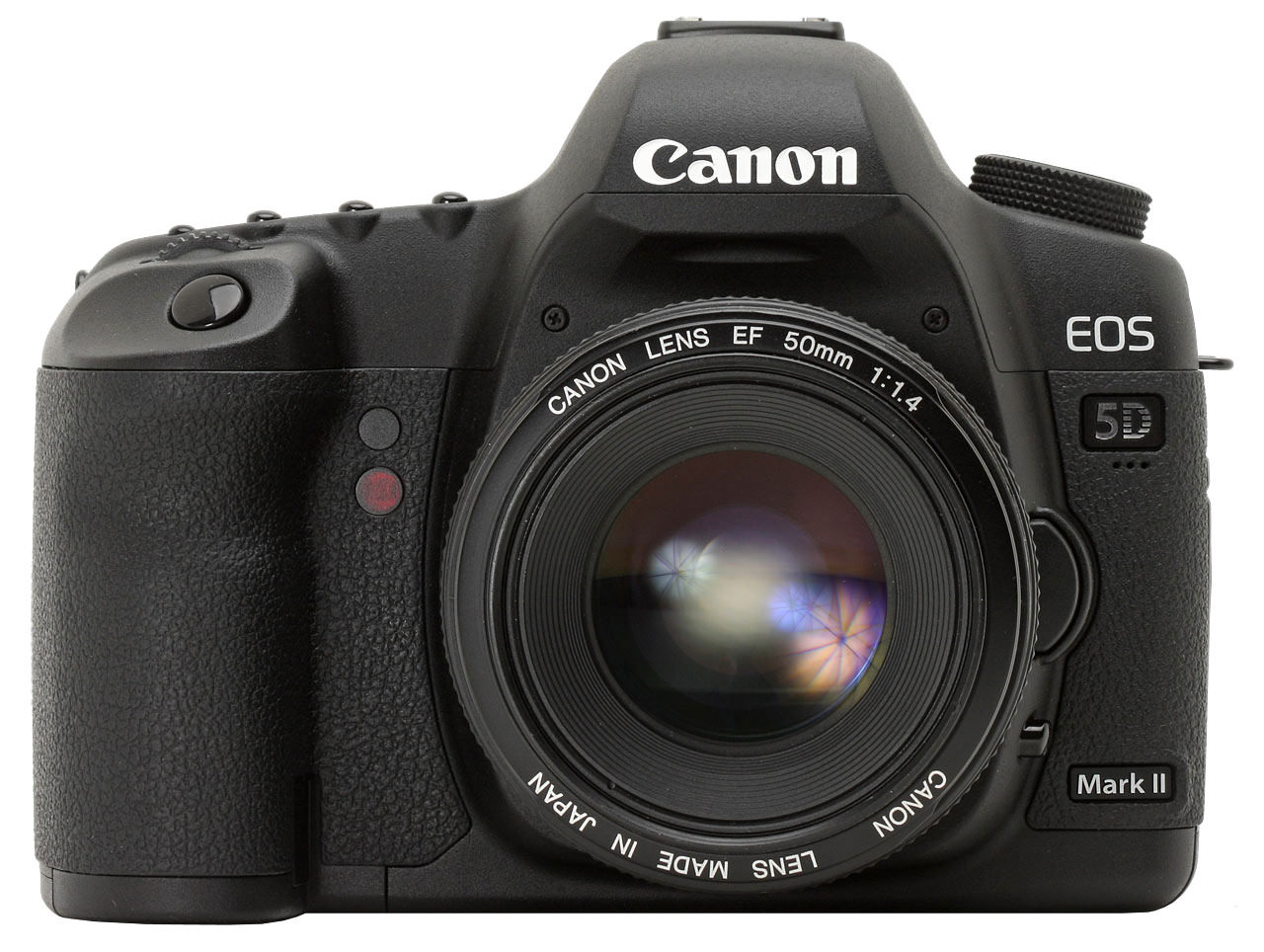
In September of 2008, the introduction of the Canon EOS 5D Mark II marked the emergence of video capabilities in full frame DSLR cameras. The Canon EOS 5D Mark II was the first DSLR to have a full-frame sensor capable of 1080p video recording at a rate of 30 frames per second.
This mark was significant because it made the capability of high-quality still images available to photographers while also providing videographers with an inexpensive alternative to professional video equipment.
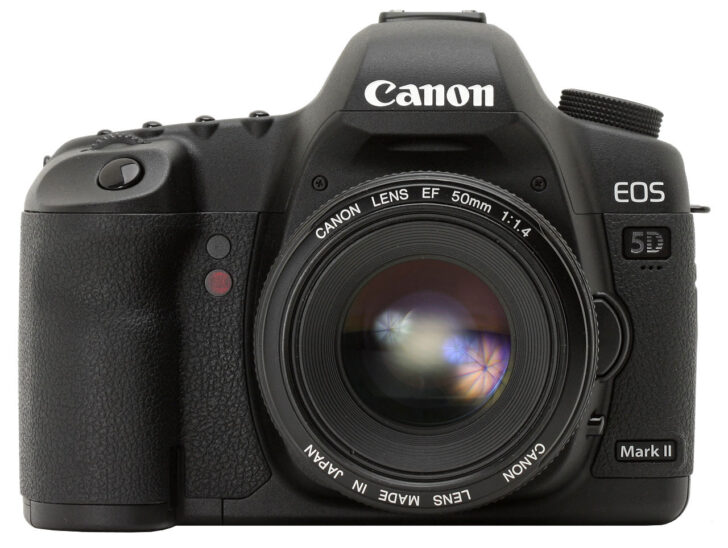
However, some of the features were limited for video recording. For example, with the 5D Mark II, you could not extend the recording duration to over 30 minutes, video files were limited to 4GB, and the audio controls were all automatic gain control.
While Canon addressed some issues with firmware upgrades, there were still a significant number of shortcomings.
The Birth of Magic Lantern
In early 2009, a developer named Trammell Hudson, in collaboration with other contributors, began exploring the firmware of the Canon 5D Mark II. They took some inspiration from the work of the Canon Hack Development Kit (CHDK), which is an open-source project that modified firmware on Canon PowerShot digital cameras, which added capabilities for RAW images, various custom scripts, and other functions.
Their work focused on leveraging what CHDK had done in the past, into the newer Canon DSLR firmware and hardware. This work started the development of Magic Lantern, named after the optical projection device, used in the 19th century to project images, symbolizing its goal of expanding the camera’s creative potential.
The Early Years of Magic Lantern
In mid-2009, the first version of Magic Lantern firmware for the Canon EOS 5D Mark II was released, which included two major features: zebra patterns on the screen, which provided real-time overlays to indicate overexposed or underexposed areas, and focus peaking to show areas in focus while manually focusing. These features helped to address two limitations in Canon’s firmware that provided very little in-screen feedback when recording video and were extremely useful for videographers who used shallow depth-of-field lenses.
In 2010, Magic Lantern added more features and became popular with a bigger community. New firmware included the option to have manual audio control (control sound level while recording video) and extended video bitrate options to improve recording quality by reducing compression artifacts. An experimental HDR video mode was also created, capturing 3 or more exposures to gain more light for a video in high contrast situations.
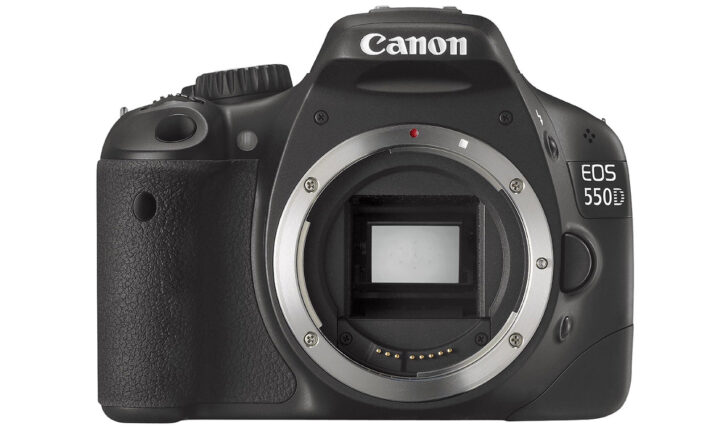
Photography and Videography forums including the Magic Lantern website became communities for sharing experiences and technical information. In July 2010 Trammell Hudson also ported firmware from the Canon EOS 550D (Rebel T2i). In Fall of 2010, a developer using the alias “A1ex” and others ported firmware to additional Canon models including the Canon EOS 50D, 60D, 500D, and 600D, with adaptations for each camera’s hardware.
The Magic Lantern grew in 2011, with more Canon DSLRs and new features. An intervalometer for time-lapse photography, which removed the need for external intervalometers and accessories as a popular feature. Trap focus automatically triggers shutter when a subject moves into focus, custom overlay images allowed custom grids as advanced composition aids.
Raw Video
Magic Lantern broke open raw video recording on Canon EOS 5D Mark III in April 2012. Raw video stored uncompressed data from the sensor and offered many more options in post-production when it came to color grading and dynamic range.
At the start the early builds of Magic Lantern had issues such as dropped frames and overheating issues. As nightly builds continued and community testing on the firmware occurred, stability improved. Raw video on the Canon systems was reliable by late 2012, and footage was rivaling and sometimes surpassing the work of professional equipment.
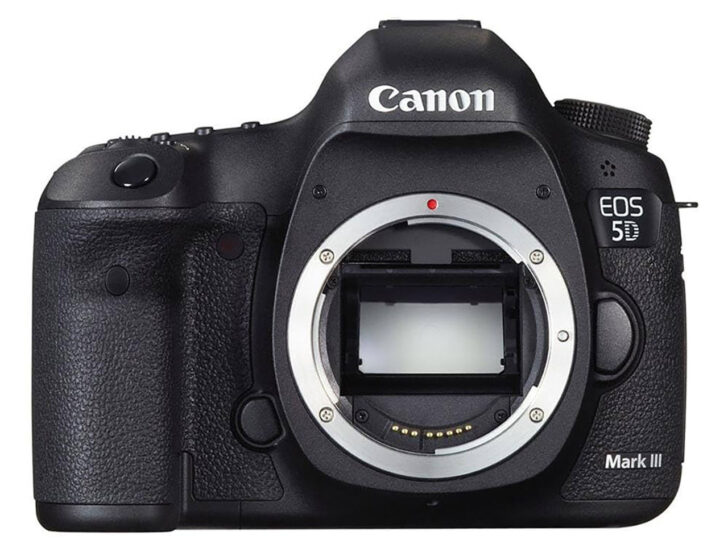
In 2013, Magic Lantern was able to refine raw video and add Dual ISO, which saves two ISO settings at the same time to improve dynamic range in situations like low light. Magic Lantern was made available for more cameras, like the Canon EOS 70D and EOS 6D. The developers also began to explore 4K raw video, though this was not very practical for the masses due to hardware limitations.
Canon’s new cameras during the years of 2014 to 2016, like the newer 5D Mark IV, granted much better native video-related features, which reduced the advantage Magic Lantern previously had. Magic Lantern was still relevant to the prior models, adding by way of firmware to the old cameras features like advanced HDR bracketing and trying to venture into Canon EOS M mirrorless cameras.
In 2016, as some developers began to move on, development began to slow down. During this time the emergence of hybrid mirrorless cameras from the likes of Sony and Panasonic, caused Canon’s DSLRs to become less attractive to filmmakers.
Magic Lantern Slows Down
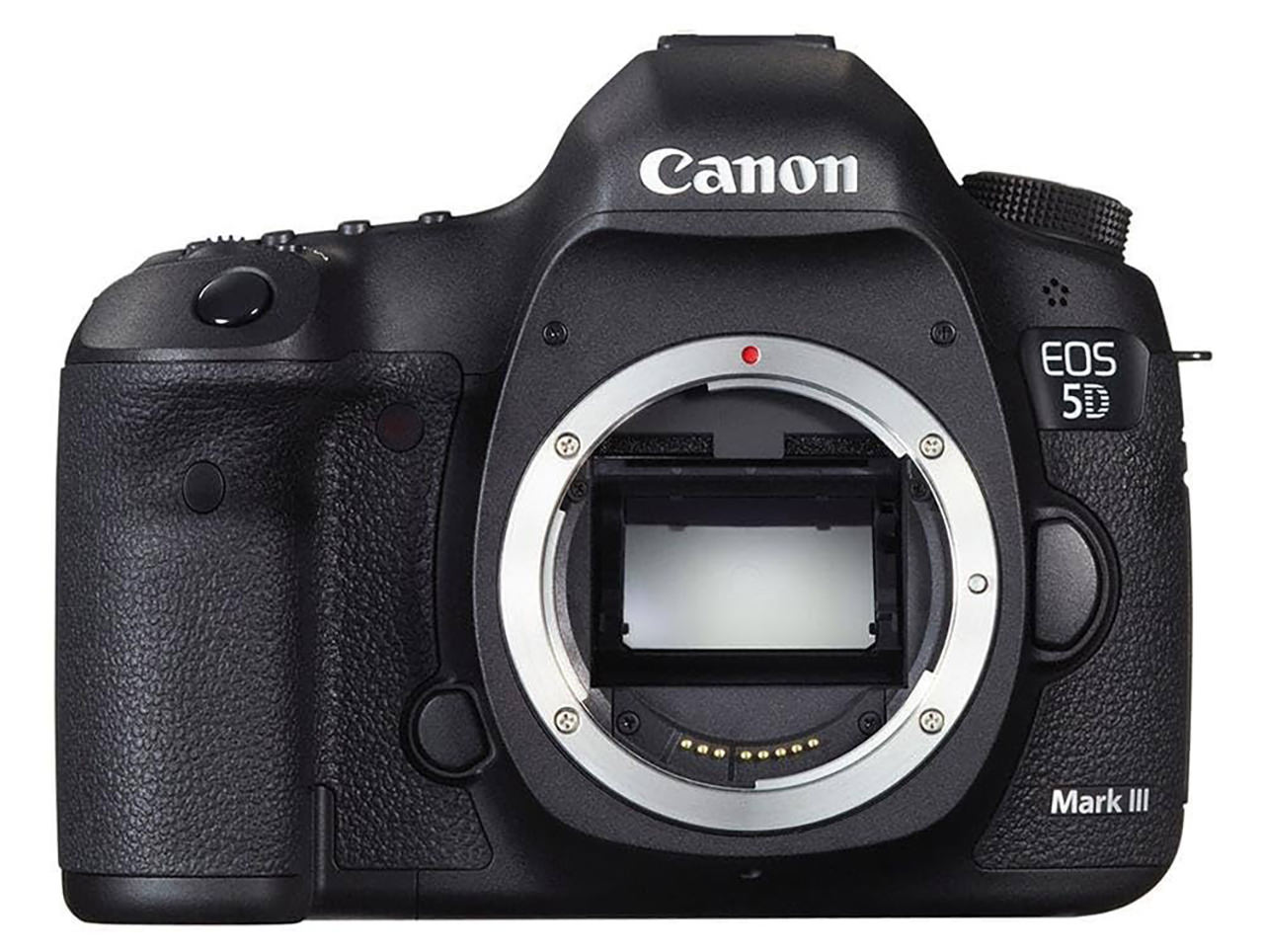
From 2017 to 2019, Magic Lantern entered a slower phase of development, focusing on bug fixes and compatibility with Canon firmware updates. The 5D Mark III and 7D remained popular among users. In 2018, mirrorless cameras gained market share, but Magic Lantern retained relevance for budget filmmakers using DSLRs. In 2019, the project celebrated its 10th anniversary. Experimental builds for the Canon EOS R and 80D were released, though Canon’s firmware and new camera hardware slowed progress.
The COVID-19 pandemic in 2020 spiked demand for cheaper filmmaking tools resulting in fresh interest in Magic Lantern. Older Canon DSLRs unlocked by the firmware offered raw video for low costs. Like the pandemic to the film industry, the project faced its own disruption in 2020 when lead developer A1ex left, leading to mainly incomplete documentation and a build system with multiple instances of Magic Lantern.
The small group of volunteers continued to support the project as development continued to slow considerably. The lack of deep knowledge about the codebase limited how much new development could happen, and the project went through a period without any major new feature releases or new camera ports.
New Development Team Transition
During 2021 and 2022 Magic Lantern was in a low-activity state. The developers continued to work on some minor bug fixes and maintained updates to ensure compatibility with Canon firmware updates, however, without a structured development pipeline, progress was slow. There remained a keen interest in older DSLR cameras, primarily for hobbyists and students, and older used cameras like the 5D Mark III that were becoming even less expensive.
On February 15, 2023, a member described the “State of Magic Lantern development” in his post on the Magic Lantern forum. He noted that the project was still facing some issues. The developers continued to be optimistic they could provide future builds. There were no official releases yet: the project was still “in transition”, dependent on community involvement.
In the year 2024, Magic Lantern enjoyed slow but incremental growth. The new team g3gg0, kitor names_are_hard and WalterSchulz worked hard to modernize the build system and tackled the chore to make ongoing development easier. Also, the team was able to regain access for both project videos on YouTube and Vimeo after almost two years of coordination with previous developers. By the end of 2024, the groundwork was completed towards a more organized project.
Over the past 2 weeks we sat down with Stephen (names_are_hard on the Magic Lantern forums) to get their feedback and more information on what they have been up to over the past year and what they are expecting to do in the future.
What have you done to make sure development is easier in the future? By the sounds of it, an extensive amount of work went into this.
- Migrating from Mercurial source management to Git. Git is overwhelmingly more popular these days than Mercurial, so this change lowers the barrier to bringing in new developers. This was nontrivial, the old system hard-coded assumptions about being Mercurial managed in multiple places.
- Greatly simplifying the building system. The prior system was over-complicated, buggy, and poorly understood. I removed over 1000 lines of build configs. I fixed race condition build bugs. I cleaned up design decisions. I increased build speed by about 8x. This was around two months’ work.
- Integrating code from multiple branches and changing the development model so there is only one long-lived branch. The old model had multiple long-lived branches. This was confusing for new devs and made mergers very painful. Now devs don’t need to hunt to find the right branch; there is only one branch. This has tradeoffs but feels like it’s worked to me. This was many months of work,
- We’ve established a lightweight, informal, but internally documented process for making decisions. As far as I’m aware there was no way to do this before, which obviously made some discussions time consuming.
- I fixed 100% of compiler warnings. This found real bugs, which I fixed. It also reduces noise during builds, and allows promoting warnings to fatal build errors, both of which reduce mistakes by all devs.
- Updated compiler support to include modern gcc. We were previously using a much older version, now you can just use whatever your OS has.
- Largely the work of kitor and g3gg0: we’ve modernised the build servers, the forum software, etc.
- Significant work to improve how we handle different generations of Digic. Digic 4 and 5 were quite similar so the same code mostly handled both. Now we have support for four new generations, which diverge much more in hardware and software. We need to improve this further, but we support more cams now and it’s better than before.
- Changes to module builds to support differing memory layouts in more modern cams.
- Tracking down large numbers of null pointer deref bugs because on Digic 4 and 5 this is not a visible error :(
- Extended the dynamic software patching capability to cover cams with MMU (Digic 7 and up). With key code from srsa (from CHDK project), thanks!
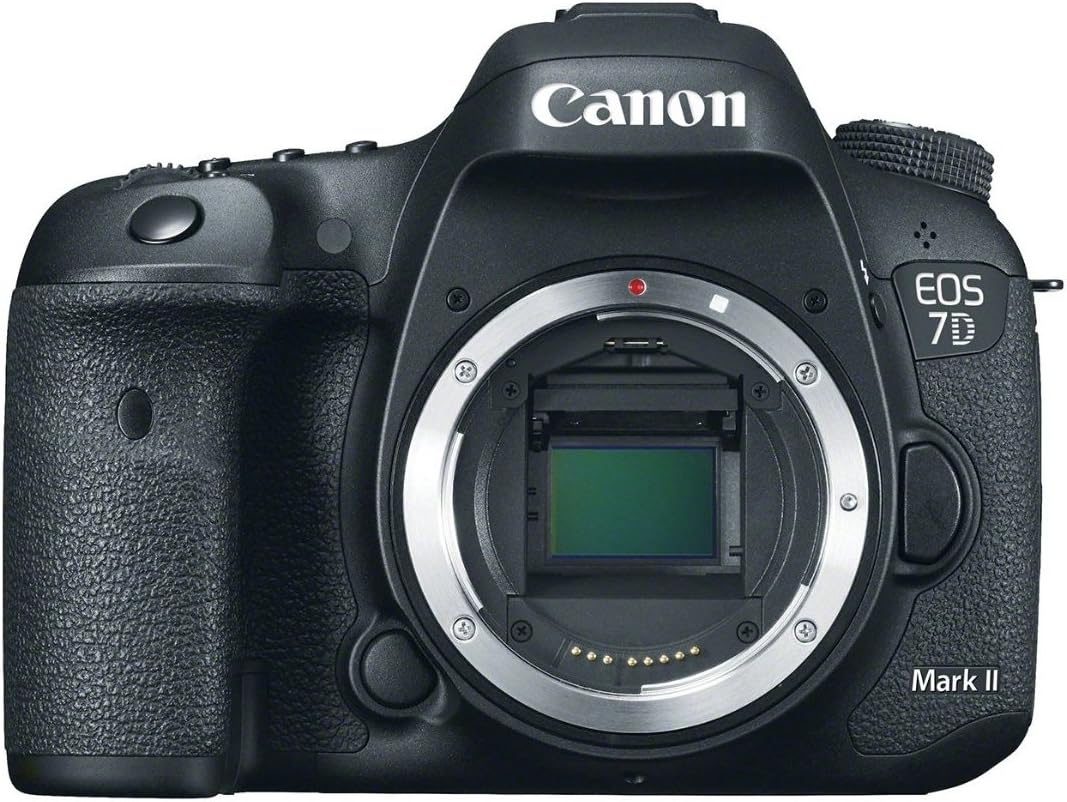
Magic Lantern Lead: Stephen Why did you choose the EOS 200D, 6D Mark II, 750D, and 7D Mark II for the 2025 release?
They’re all bodies I own.
While doing dev work, I try to keep porting and testing features across a range of model lines. This helps check I’ve made sensible decisions and have structured the code so that support on other cameras is easier to add.
The porting step is easier for more closely related cameras. Since I own each of these bodies, there is also some luck of the draw about when I see a good second-hand deal to get a body. I have a small wall of cameras now, I’m not buying them all new, and older cams are cheaper!
Magic Lantern Lead: Stephen What challenges are you facing with raw video on the EOS 6D Mark II and EOS 7D Mark II?
The key challenge is understanding and controlling a peripheral called EDMAC. This unit can efficiently route data between other camera hardware units. Since it is DMA based, it does so without incurring a CPU cost. This is both fast and power efficient. You can configure a chain of processing with EDMAC.
So, for example, the cam may request EDMAC to connect the sensor output to a fast noise removal hardware unit, and the output of that noise removal gets routed to JPEG compression hardware input. The CPU can now do other things. When the right physical conditions occur (e.g. shutter button pressed and AF locked) the chain triggers and tells the CPU when it’s finished. The CPU can now display the JPEG, or save to disk, etc.
To capture raw video, we must use DMA, the CPU is far too slow. But the EDMAC unit is very frequently in use by the OS. So, we must understand not only how to configure it, but how to cooperate with the official usage by the OS. If we do something too unexpected, the camera can crash. And, as with most of what we do, there are no docs. We must therefore reverse engineer the code in the camera to learn about EDMAC, which is difficult, and we must test our guesses, which can be slow.
Magic Lantern Lead: Stephen What steps are you taking to attract new developers and engage users?
The user half of this question is much easier. We use the normal places (Reddit, Twitter, Discord, Facebook, our forum etc) to show people what features we have added to which models. If people want those things, that’s normally enough to get them engaged! And, since its camera based, our users often post pics and videos and may talk about Magic Lantern.
You can do things with ML that you can’t do any other way – sometimes not at all, but at least not without a much bigger budget. We offer deep configuration and control of a sophisticated camera system. I’m not aware of a programmable camera with this sensor quality and lens quality, that you can pick up second hand for $100.
Attracting new developers, I haven’t found the magic place where they hang out :) We can teach the missing skills, but the ideal developer has knowledge of C, and owns a Canon DSLR / MILC. That’s already a small group. You also need a fair bit of free time, reverse engineering is very satisfying, but it’s slow.
I think we’re an approachable group of volunteers and we love helping new devs learn how to get started. The recent release did get us several new people who expressed interest in doing dev work. It’s too early to say how many will stick with it.
Magic Lantern Lead: Stephen For me, one of the attractions of ML has always been clean HDMI output as we can convert a lot of older cameras into high quality web cameras, but I always found the menu system and options daunting. I know we have talked about it, but are there any plans to provide different user modes or menu customization to simplify the menu?
Improving the ML menu system is something many people would like. It’s grown piece by piece and there’s not much consistency. We have no timeline of future work. Things get done when devs kind find time and have the motivation.
On the plus side, making changes to the menu system is more approachable than average for a new dev. You don’t need any knowledge about the OS or the camera internals. You can stay in a small amount of C with very few dependencies. And you can test the changes in Qemu. Please find us some volunteers and we can teach them :)
Magic Lantern Lead: Stephen How do you see Magic Lantern staying relevant, especially with most camera companies having high end video functions in their cameras now?
We try to improve and extend many Canon cameras and will always want to support modern ones. Canon wants to keep making cameras that are relevant, and we want to keep making them better. Thus, in a general sense, we should stay relevant automatically!
Using video only as an example, one thing we allow is finer control. Canon lets you pick a few standard frame rates, because that’s what most people want, and it makes the UI simpler. We allow choosing a highly precise frame rate, e.g. 27.16fps, for specialised uses (we had someone who used this to film CRT monitors without capturing display flicker).
We also try to push the limits of what is possible. Canon lets you pick 120 fps on some cameras – this is a nice rate for turning into slow motion output. But what’s the true limit of the hardware? 125? 140? Nobody knows until we learn how, and there’ll always be somebody who wants it.
Now consider those ideas for every feature of your camera, not just video.
We have many pure photography features, and many utility features relevant to multiple modes, e.g. custom cropmark overlays. We can do things that Canon will probably never have an interest in adding, because the market is too small, such as adding a scripting language! We have a useful mode for astrophotography that turns LiveView into night vision by exposing for longer; most people don’t care, but the people that do find this very valuable.
The ability to use Wi-Fi on many modern cameras is something we’ve only just started working with. This has many possibilities, particularly when combined with in-camera scripting and the power of modern servers. I’ve previously demonstrated code that can label objects seen through the cam with <100ms response time. Our scripting capabilities could allow you to use that for some quite interesting focus stacks, for example.
To me, this is the true power of Magic Lantern: we turn the camera into a fully controllable system. How you use that system is up to you. We try to provide easy to use popular options, so you don’t have to do it all yourself.
Magic Lantern Lead: Stephen 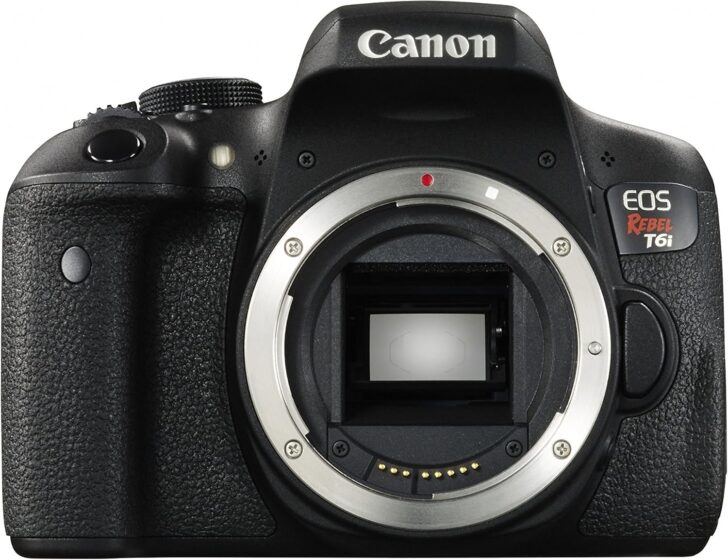
Closing Thoughts
Magic Lantern has been part of Canon video making camera lore since the birth of hybrid ILC cameras with the Canon EOS 5D Mark II. Canon and the third-party industry that supported filmmakers owe much of their success in the early years to this dedicated group of volunteers, both past and present.
I am a fan of minimizing e-waste personally, and then there’s the reality that not everyone can afford to purchase the latest camera gear. You can purchase a Canon EOS 5D Mark II for $200, and take TV broadcast worthy videos with it, made even better by the use of Magic Lantern.
Special thanks go out to all the developers and those that have contributed in both time and cameras to this groundbreaking project for Canon ILC cameras.
If you are an experienced C developer, or one with an interest in learning, you can start by joining the magic lantern forums and getting the source and build information there. Feel free to reach out to names_are_hard and the forum community for help. There are menus just waiting for you to work on!
Magic Lantern does also need donations of cameras that they don’t personally have. So even if you don’t want to brush up on your developer chops, you can still help if you have a dusty old camera sitting on the shelf.
Magic Lantern Forums: https://www.magiclantern.fm/forum/index.php
Discord: https://discord.gg/8WjemuRRhD






0 comments