

When you purchase through links on our site, we may earn an affiliate commission. Here’s how it works. |
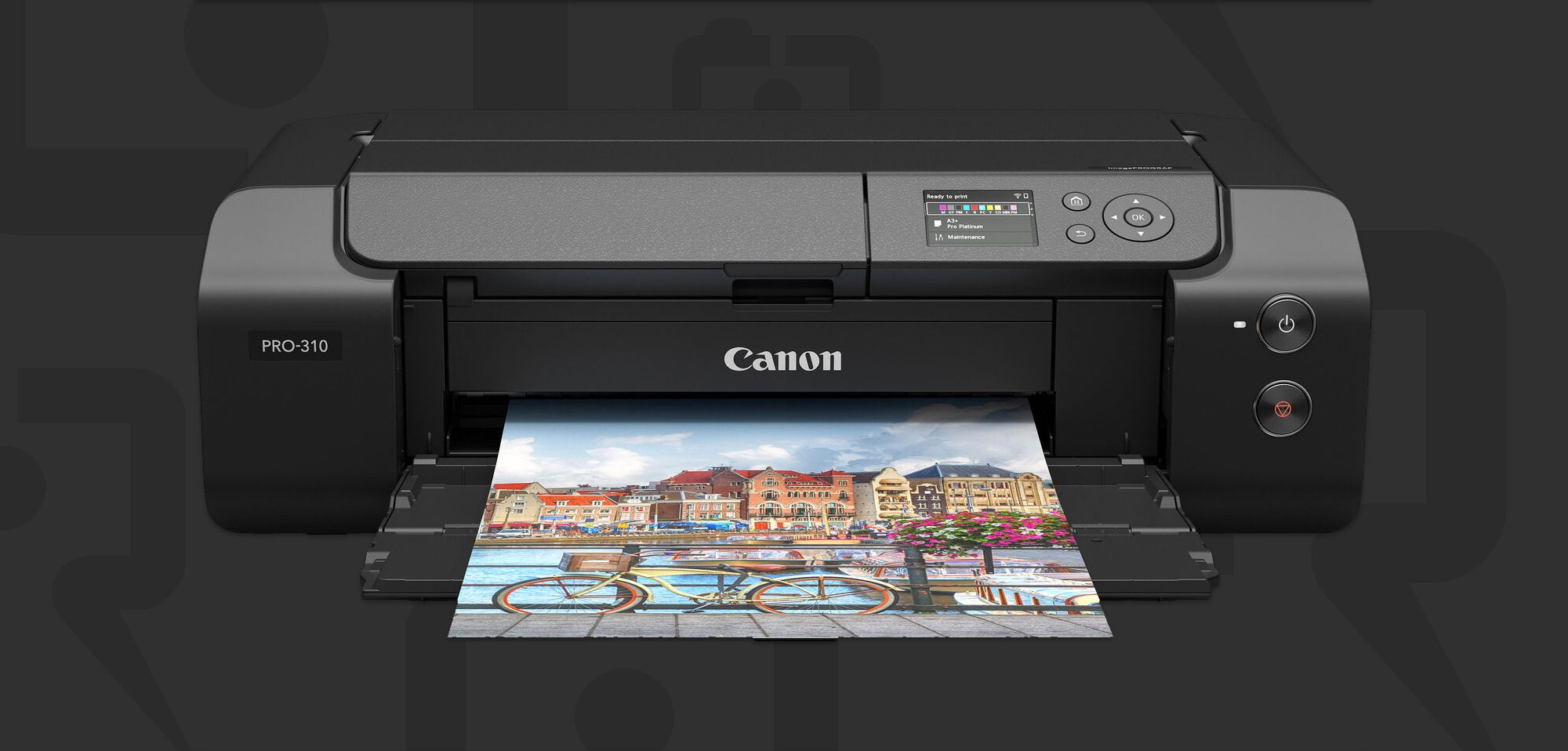
Canon has officially announced the imagePROGRAF PRO-310.
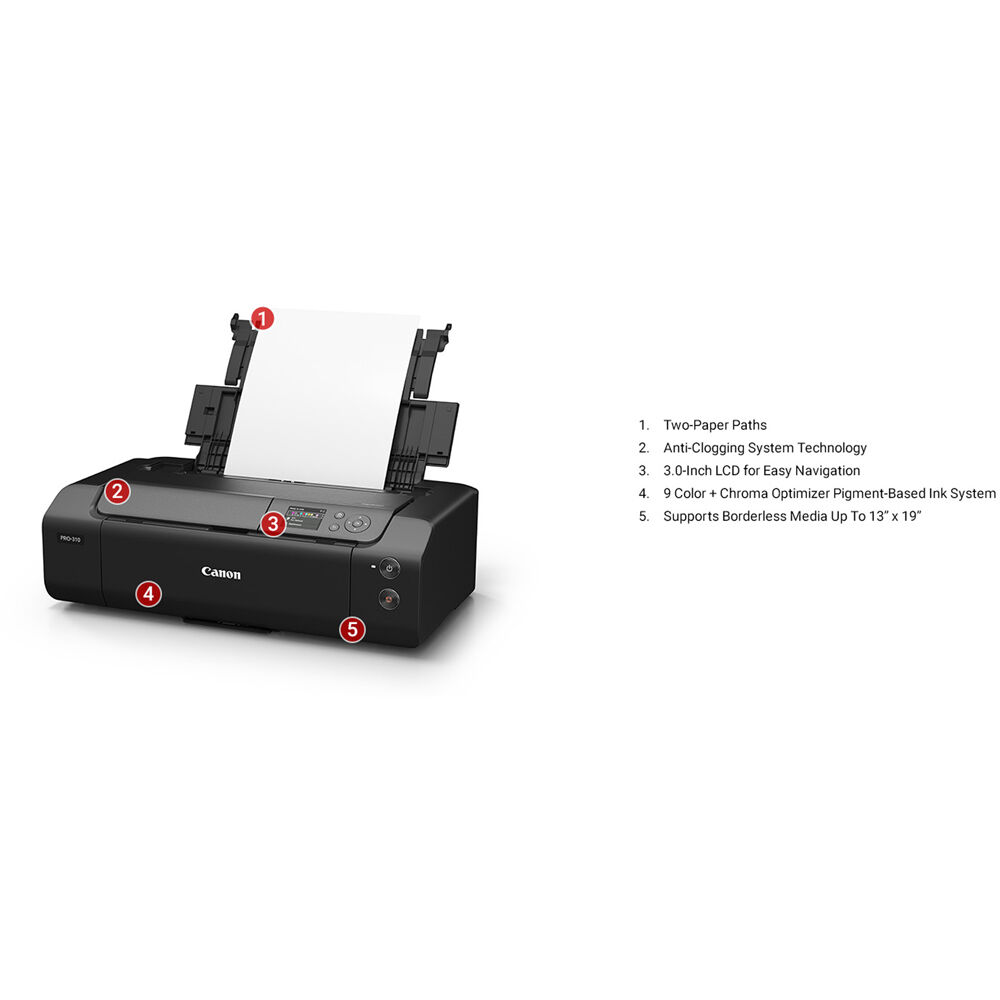
The PRO-310 will be able to print A3+, comes with 10-color Lucia PRO II inks, which is the same type of ink as the recently launched imagePROGRAF PRO-1100. There is a maximum print length of 1.8m as well as additional page sizes when compared to the PRO-300.
Canon has added a new option to reduce “bronzing” when printing on glossy papers.
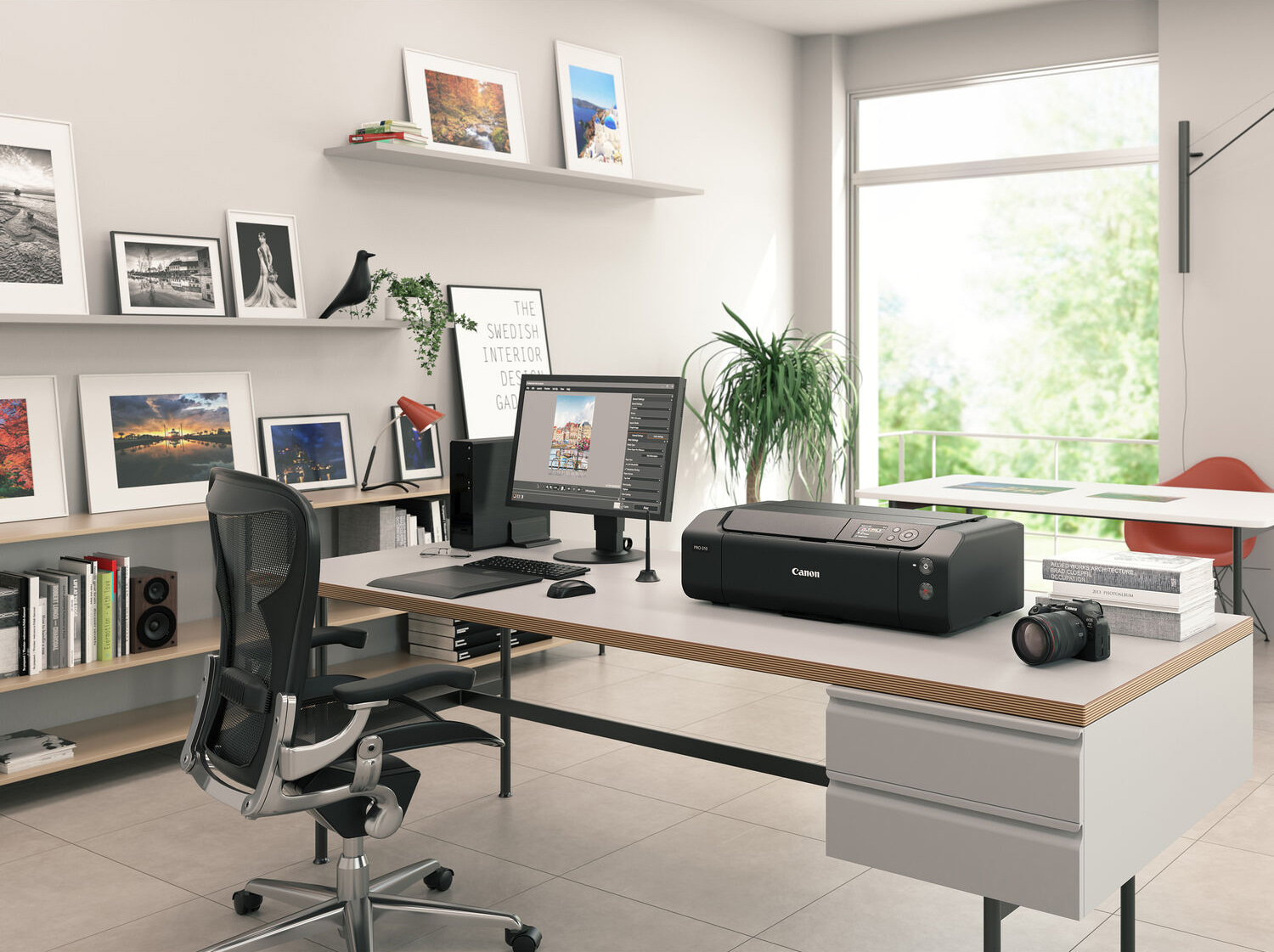
The PRO-310 also has a much smaller footprint than the PRO-1100, which will be a big deal for new printing customers as well as existing ones.
Keith Cooper from Northlight Images breaks down everything about the imagePROGRAF PRO-310 below. It looks to be a very good update from its predecessor.
Purchase & Preorder Options
- B&H Photo: Canon imagePROGRAF PRO-310 $899 (In Stock)
- Adorama: Canon imagePROGRAF PRO-310 $899
- Wex Photo: Canon imagePROGRAF PRO-310 £699
Press Release
Today, Canon is releasing the imagePROGRAF PRO-310, a new inkjet printer for enthusiast photographers with 10-colour pigment ink for A3+ printing, which combines high photographic image quality, light-fastness and abrasion resistance.
The Canon imagePROGRAF PRO-310, a new product in the large-format inkjet printer series, is a printer that meets the needs of photographers who want to print their photos beautifully and display them as works of art for a long time. By adopting the newly developed pigment ink LUCIA PRO II1, the PRO series achieves outstanding photographic image quality, such as rich colours and deep blacks, while significantly improving the light resistance and abrasion resistance of printed materials, enabling the creation of high-quality works with rich expression and long-term storage.
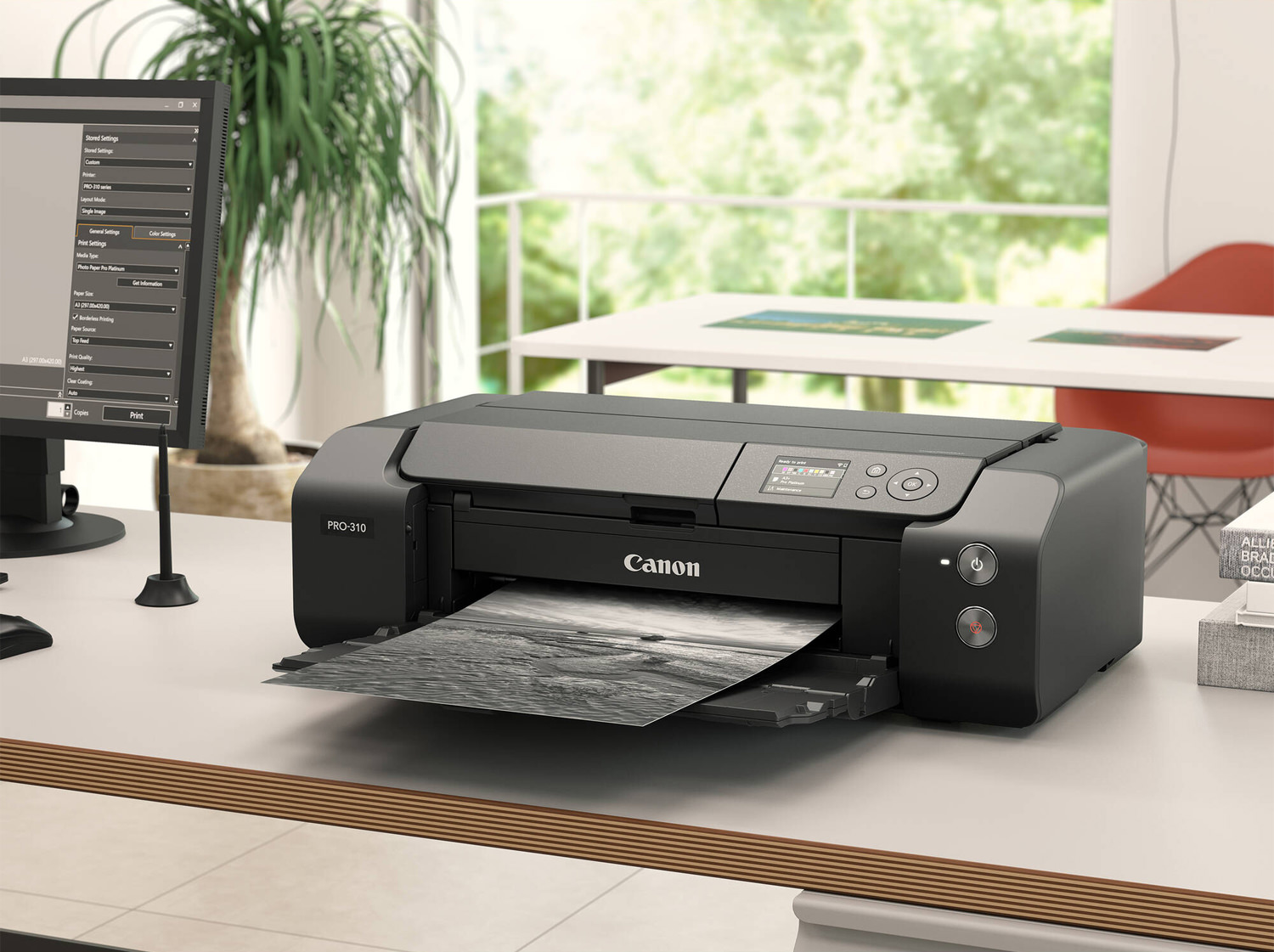
The new LUCIA PRO II inks, which are common to the higher-end models, use a pigment that is resistant to UV rays and does not deteriorate easily. As a result, the light resistance of printed materials reaches up to 200 years2, enabling long-term, archival storage. In addition, when printing on glossy paper, the wax added to the ink smooths the surface, making the printed materials highly resistant to abrasion. It also prevents scratches during post-printing operations such as framing and transportation, improving the ease of handling printed materials.
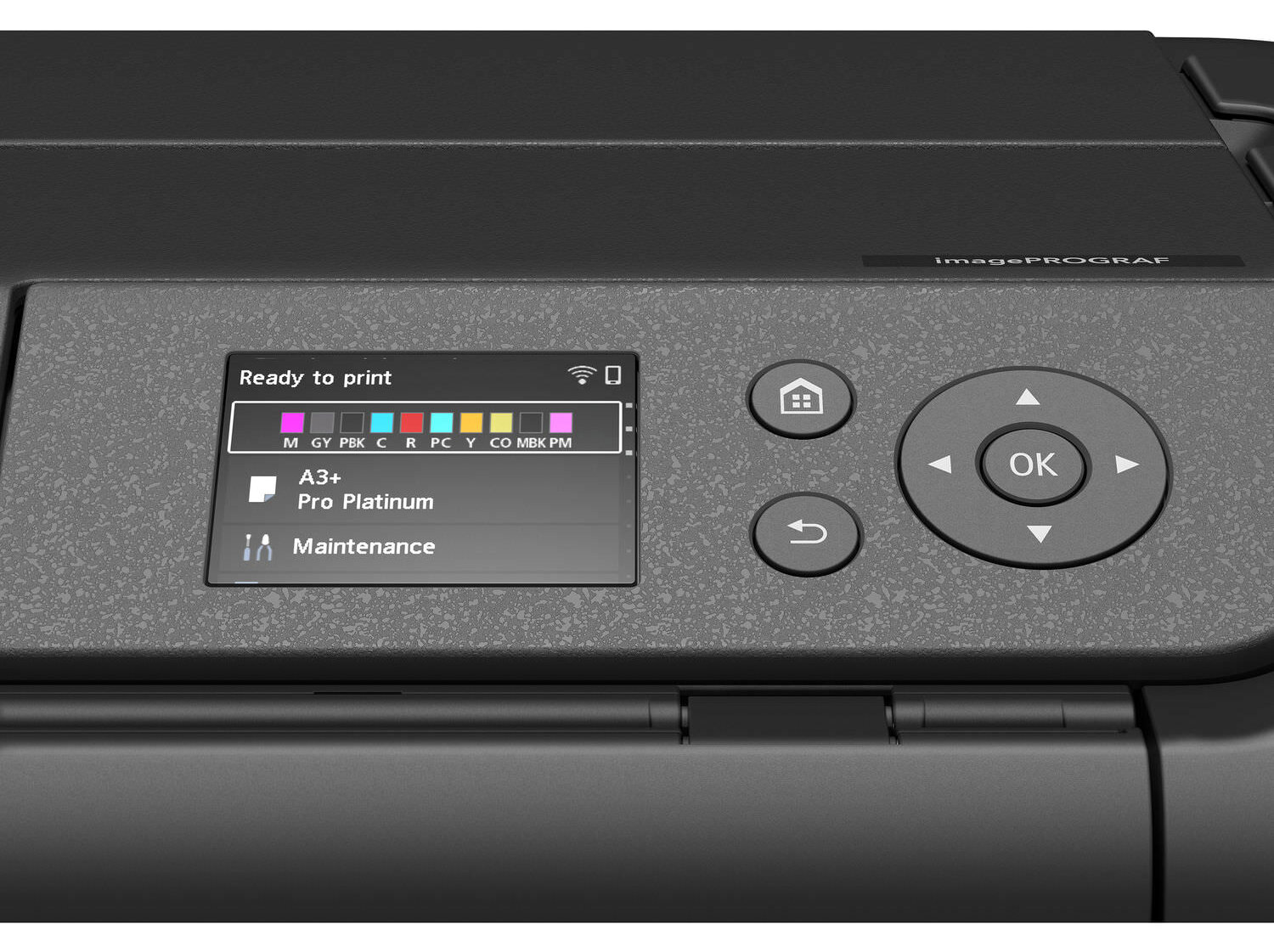
Canon imagePROGRAF PRO-310
When printing on glossy paper, the transparent Chroma Optimiser ink suppresses reflected light and evens out the gloss, allowing true reproduction of the original colours of photographs regardless of lighting, viewing angle or other environmental conditions. When printing on fine art paper, matte black ink with high black density enables deep, tight blacks. It enhances light and scratch resistance, while creating expressive works that reproduce rich colours and subject textures.
Styrofoam used in product packing for the previous model3has been replaced with recyclable corrugated cardboard and pulp molds, reducing the amount of single use plastic.
Purchase & Preorder Options
- B&H Photo: Canon imagePROGRAF PRO-310 $899 (In Stock)
- Adorama: Canon imagePROGRAF PRO-310 $899
- Wex Photo: Canon imagePROGRAF PRO-310 £699
Specifications in detail
General Specifications
- Class13″
PRINT HEAD / INK
- TypePermanent
- Number of NozzlesNumber of Nozzles: Total 7,680 nozzles
(MBK/PBK/C/M/Y/PC/PM/GY/R/CO) each 768 nozzles x 10 - Number of Ink Tanks10 Colours – MBK/PBK/C/M/Y/PC/PM/GY/R/CO
MAXIMUM PRINTING RESOLUTION
PRINT SPEED
- Print speedPhoto(11″x14″ image on A3+ with Border)3
Color/PT-101: approx.4 m 15s
Black/PT-101: approx.4 m 15s
MAXIMUM PRINTABLE PAPER SIZE
- Top Tray (width)Up to 329 mm (A3+)Borderless Printing
- Manual Feed (width)Up to 330.2 mm
- Custom (length)1800mm
PRINTABLE AREA
- Borderless PrintingTop/Bottom/Right/Left margin: each 0 mm
- Bordered PrintingTop margin:3 mm, Bottom margin:5 mm, Left/Right margin: each 3.4 mm (Sizes other than Letter or Legal) or Square 5” Top/Bottom/Right/Left margin: each 6.0mm, Recommended Top/Bottom margin for Fine Art Paper: each 25mm
SUPPORT MEDIA
- Top TrayPlain Paper/ Photo Paper Pro Platinum (PT-101)/Photo Paper Plus Glossy II (PP-201)/ Photo Paper Pro Luster (LU-101)/ Photo Paper Plus Semi-gloss (SG-201)/ Matte Photo Paper (MP-101) / Lightweight Photo Paper/ Heavyweight Fine Art Paper / Canvas / Photo Paper (Grayscale Printing) /Photo Paper (Long-form Printing)/ Fine Art Paper (Long-form Print) /Greeting Card
- Manual FeedPhoto Paper Pro Platinum (PT-101) / Photo Paper Plus Glossy II (PP-201)/Photo Paper Pro Luster (LU-101)/ Photo Paper Plus Semi-gloss (SG-201)/ Matte Photo Paper (MP-101)/ Photo Paper Pro Premium Matte (PM-101)/ Premium Fine Art Smooth(FA-SM)/ Premium Fine Art Rough/ Lightweight Photo Paper/ Heavyweight Photo Paper / Heavyweight Fine Art Paper / Extra Heavyweight Fine Art Paper/Highest Density Fine Art Paper / Canvas / Baryta Photo Paper / Photo Paper (Grayscale Printing) /Fine Art Paper (Grayscale Print) / Photo Paper (Long-form Printing) / Fine Art Paper (Long-form Print) /Greeting Card
- Multi-Purpose TrayPrintable Disk
PAPER SIZE
- Top Tray (Maximum Number)A5/A4/A3/ A3+/B5/B4/ 4″x6″(KG) / 5″×7″ / 7″×10″ / 8″×10″/ 9″ x13″ / 11″ x14″ / 10″×12″ / 12″x12″ / Square 5″ (127x127mm)
Custom size(width 89mm – 329.0mm, length 127mm – 990.6mm or 1800mm) - Manual Feed (Maximum Number)A5/A4/A3/A3+/B4/ 9″x13″ / 11″x14″/13″x19″ /8″x10″/ 10″x 12″/ 12″x12″
Custom size (width 203.2mm – 330.2mm, length 254.0mm – 990.6 mm or 1800mm) - Multi-Purpose TrayPrintable Disc 120 x120 mm
PAPER SIZE (BORDERLESS)
- Paper Size (Borderless)A5/A4/A3/A3+/B5/B4 / 4″x6″ (KG) / 5″×7″ / Square 5″ (127x127mm) / 7″×10″ / 8″x10″ / 10″×12″ / 11″x14″/ 12″×12″/ 13″x19″ /
Paper Handling
- Top TrayPlain Paper: A4/A5/B5 = 100 A3 = 50
Photo Paper Pro Platinum (PT-101): 4″x6″ (KG) = 20 A3/A4/2L/8″×10″ = 10 10″×12″/A3+ = 1
Photo Paper Plus Glossy II (PP-201): 4″x6″ (KG)/ Hagaki/Square 5″ (127×127 mm) = 20 A3/A4 8″×10″/5”x7” = 10 A3+ = 1
Photo Paper Pro Luster (LU-101): A4 /A3 = 10 A3+ = 1
Photo Paper Plus Semi-gloss (SG-201): 4″x6″ (KG) = 20 A4 /A3/5×7/8″×10″ = 10 10″×12″/A3+ = 1
Matte Photo Paper (MP-101): 4″x6″ (KG) = 20 A4 /A3 = 10 A3+ = 1 - Manual FeedPhoto Paper Pro Platinum (PT-101): A3/A4/8″×10″ /10″×12″/A3+ = 1
Photo Paper Plus Glossy II (PP-201): A4/A3/A3+ = 1
Photo Paper Pro Luster (LU-101): A4/A3/A3+ = 1
Photo Paper Plus Semi-gloss (SG-201): A4/A3/8″×10″ /10″×12″/A3+ = 1
Matte Photo Paper (MP-101): A4/A3/A3+ = 1
Photo Paper Pro Premium Matte (PM-101): A4/A3/A3+ = 1
Premium Fine Art Smooth (FA-SM): A4/A3/A3+ = 1
Premium Fine Art Rough (FA-RG1): A4/A3/A3+ = 1 - Multi-Purpose Tray1 (Multi-purpose Tray)
PAPER WEIGHT
- Top TrayPlain Paper: 64-105 g/m2
Specialty paper: Up to 380 g/m2 - Manual FeedPaper Thickness 0.1 ~0.6mm or less
INK TANK
- Ink ModelLUCIA PRO II Ink Tanks:
PFI-5100
MBK/PBK/C/M/Y/PC/PM/GY/R/CO - Page yield (4×6″ PT-101)Number of 10x15cm photos4
Matte Black (MBK): 1679 photos*
Photo Black (PBK): 450 photos
Grey (GY): 233 photos
Cyan (C): 842 photos*
Photo Cyan (PC): 704 photos*
Magenta (M): 610 photos*
Photo Magenta (PM): 430 photos*
Yellow (Y): 551 photos*
Red (R): 969 photos*
Chroma Optimizer (CO): 256 photos
* Estimated Supplemental Yield - Page yield (A3+ PT-101)Number of A3+ photos5
Matte Black (MBK): 244 photos*
Photo Black (PBK): 41 photos*
Grey (GY): 48 photos*
Cyan (C): 82 photos
Photo Cyan (PC): 119 photos*
Magenta (M): 100 photos*
Photo Magenta (PM): 76 photos
Yellow (Y): 108 photos
Red (R): 134 photos*
Chroma Optimizer (CO): 66 photos*
* Estimated Supplemental Yield
CONNECTIVITY
- ProtocolsSNMP/HTTP/TCP/IP(IPv4/IPv6)
- InterfaceUSB B Port: Hi-Speed USB
- Wired LANNetwork Type: IEEE 802.3 10base-T / IEEE 802.3u 100base-TX
Data Rate: 10Mbps/100Mbps(Auto switching)
Security: IEEE 802.1X(EAP-TLS/EAP-TTLS/PEAP) - Wireless LANNetwork Type: IEEE802.11n/IEEE802.11g/IEEE802.11b IEEE802.11a
Frequency Band: 2.4GHz
Range: Indoor 50 m depends on the transmission speed and conditions
Security:
WPA-PSK(AES)
WPA2-PSK(AES)
WPA3-SAE(AES)
WPA-EAP(AES)*
WPA2-EAP(AES)*
WPA3-EAP(AES)*
* IEEE802.1X(EAP-TLS/EAP-TTLS/PEAP) available - Direct connection (Wireless LAN)Available
SYSTEM REQUIREMENTS
- Supported Operating SystemsWindows 7 SP1, Windows 8.1, Windows 10, Windows 11
Windows Server 2008 R2 SP16, Windows Server 2012 R2,
Windows Server 2016, Windows Server 2019, Windows Server 2022Mac OS
OS11.7.10 – OS15Chrome OS - Supported Mobile SystemsiOS
Android
SOFTWARE SUPPORT
- Canon Professional Print & LayoutAvailable
- Adobe Photoshop / LightroomSupported via Canon PPL Plugin
PRINT APPLICATIONS & METHODS
- Canon PRINTAvailable
- AirPrintAvailable
- MopriaAvailable
- Canon Print Service (for Android)Available
- Cloud LinkAvailable
OPERATION PANEL
- Display3.0 inch/7.5cm LCD(Display Panel, Color)
- Language33 Languages Selectable: Japanese/English(mm &inch)
/German/French/Italian/Spanish/Dutch/Portuguese/Norwegian/
Swedish/Danish/Finnish/Russian/Czech/Hungarian/
Polish/Slovene/Turkish/Greek/Simplified Chinese/Traditional Chinese/
Korean/Indonesian/Slovakian/Estonian/Latvian/Lithuanian/
Ukrainian/Romanian/Bulgarian/Thai/Croatian/Vietnamese
ACOUSTIC NOISE (PC PRINT)
- Acoustic NoisePlain Paper(A4, Color)7: Approx. 40.5dB(A)
Photo Paper Pro Platinum (PT-101)(4×6,Color, borderless): Approx.38.5dB(A) - Quiet ModeAvailable
Power
- PowerAC 100 – 240 V 50 /60 Hz
Power consumption
- Standby (Minimum) (USB Connection to PC)Approx. 1.0W*
*The wait time for standby cannot be changed. - OFFApprox. 0.05W
- Printing (USB Connection to PC)Approx. 16W
- Standby (Sleep)for ErP Lot 26 regulation>: Approx. 2.3W
- Time to enter Standby Modefor ErP Lot 26 regulation> : Approx. 15 minutes
Dimensions W x D x L
- With the trays retractedapprox. 639 x 379 x 200 mm
- With the trays extendedapprox. 639 x 837 x 416 mm
Weight
- Weightapprox. 14.4 kg
General Specifications
- Operating EnvironmentTemperature: 5~35 ℃ Humidity: 10~90 %RH (no dew condensation)8
- Recommended EnvironmentTemperature: 15~30 ℃ Humidity: 10~80 %RH (no dew condensation)9
- Storage EnvironmentTemperature: 0~40 ℃ Humidity: 5~95 %RH (no dew condensation)
- EnvironmentEnergy saving: ErP Lot 6/26(EU)
Resource saving/Recycle: WEEE(EU)
Elimination of harmful substances: RoHS(Mainly EU), REACH(EU)



1 comment