

|
When you purchase through links on our site, we may earn an affiliate commission. Here's how it works. |
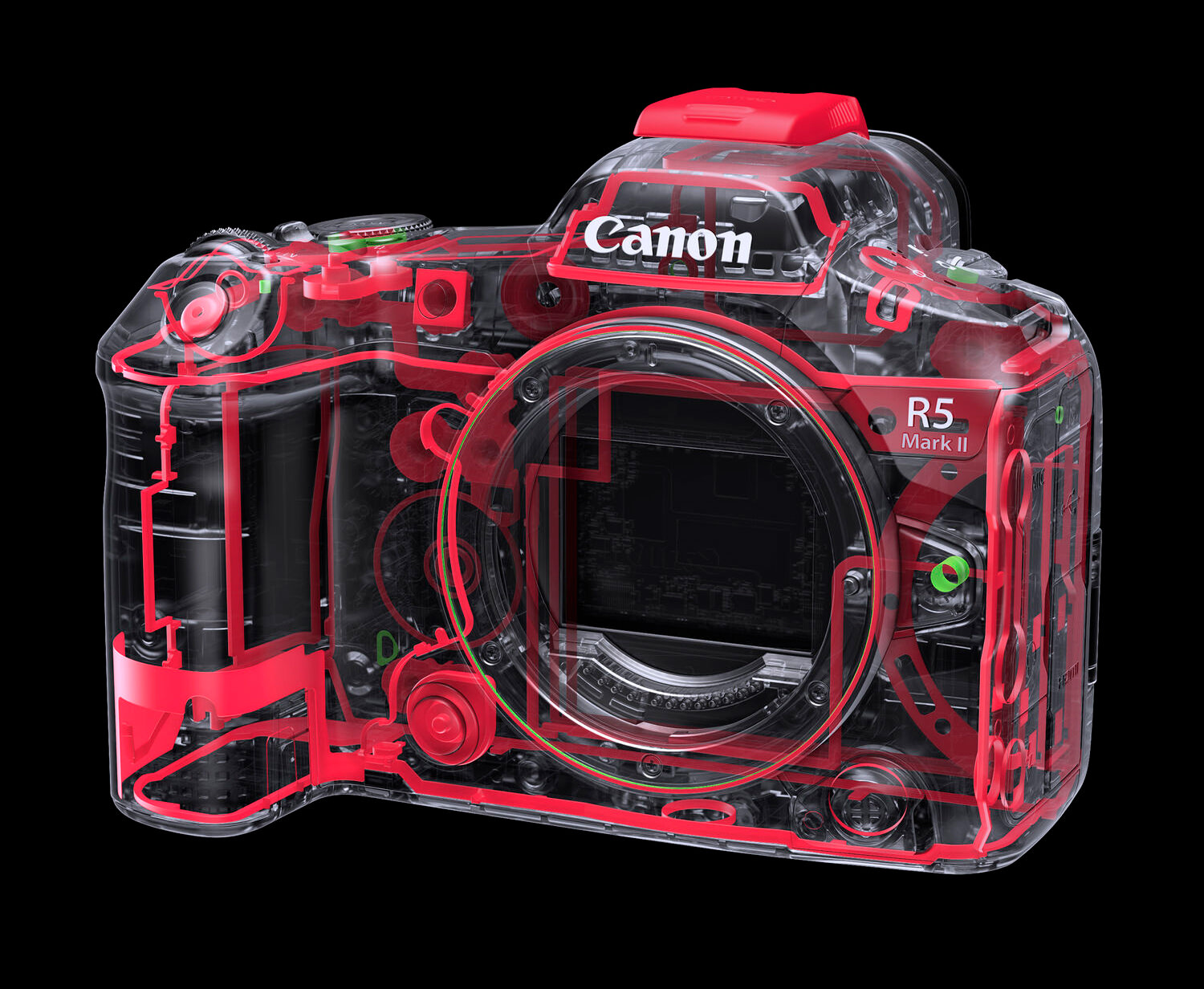
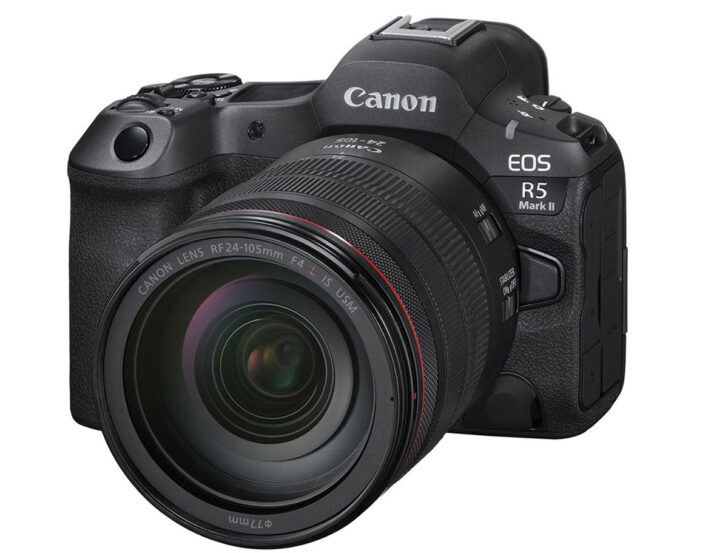
Canon has released new major firmware for the EOS R5 Mark II for the second time in a week. This update fixes an issue where video could not be recorded correctly when using a memory card larger than 2TB with the [Pre-recording] setting enabled.
Canon EOS R5 Mark II Firmware v1.1.1
- Improves security features. A password must be set initially.
- Adds the ability to review the history of any changes made to the password, network information, or other settings.
- Enables firmware updates to be performed when the camera is connected to the internet and new firmware is made available on Canon servers.
- Adds the ability to automatically detect Flicker at 100 or 120 Hz during Live View display.
- Adds the ability to register focus position as a presets on the CR-A100 Camera Remote Application.
- This ability makes it easier to focus on subjects at the intended distance when the application is used with Robotic Camera System CR-S700R.
- Adds the ability to select [Case Special] to expand Servo AF characteristics which is effective for subjects located behind a net in sporting events, such as badminton or volleyball.
- Adds support for the Software Development Assistance Kit (EDSDK/CCAPI).
- Adds a function that simultaneously protects images when they are rated.
- Improves image stabilization control for lenses compatible with Peripheral Coordinated Control.
- Adds the ability to use up to 8TB of CFexpress cards.
- Cards larger than 8TB require low-level formatting by the camera.
- Cards larger than 8TB are treated as 8TB cards.
- Cards larger than 2TB cannot be used for firmware updating.
- Adds to lower the image capture frame rate to help prevent overheating when connected to CR-A100 in extended remote shooting.
- When transferring images with voice memos via FTP, the transfer order priority has now changed with voice memo (Wav) file being sent first followed by image file.
If a voice memo is added to an image queued for transfer, the image and voice memo are now sent last. - Adds the ability to set the number of shots captured in pre-continuous shooting mode.
- Adds the ability to set [Airplane mode] to shooting button customization.
- Adds the ability to enable [Exposure Simulation] when a flash unit is attached.
- Improved AF tracking during video capture for subjects that are difficult to focus on.
- Fixes an issue in which Err70 may occur when enlarging an image after shooting with [Blackout-Free Display] set to “On” and [Servo 1st image priority/One-Shot AF release priority] set to “Release priority”.
- Fixes an issue in which Err70 may occur during Bluetooth communication due to interference from other Bluetooth devices.
- Fixes an issue in which Err70 may occur when repeatedly shooting in the “High-speed continuous shooting +” mode.
- Fixes an issue in which Err70 may occur immediately after startup when shooting with the electronic shutter.
- Fixes an issue in which Err70 may occur during video recording in “FHD239.8P/200.0P”.
- Fixes an issue in which Error 70 may occur while filming in video mode with frame rate set to “50.00P” and [Movie Digital IS] set to “On” or “Enhanced”.
- Fixes an issue in which Err70 may occur during shooting when both [Pre-recording] and [Auto send] to image.canon are set to “Enable”.
- Fixes an issue in which the camera may stop functioning properly when [Image Review] is set to “Off” and the monitor entered low brightness mode after pre-continuous shooting.
- Fixes an issue in which video recording may not be possible when using Remote Live View shooting in EOS Utility while outputting via HDMI.
- Fixes an issue in which large RAW image files may not be transferred via Camera Connect.
- Fixes an issue in which a horizontal line may appear momentarily in the viewfinder.
- Fixes an issue in which the camera may not connect to Wi-Fi 7-compatible routers.







That's a very strange limitation.
Wait, oh shi... I used to play with the Multiple Exposure feature on my 6D Mark 2 a long time ago. I skipped it on R and R6 Mark II and decided to recall how to use it. Well, I got Err. 70 in both cases I tried to make multishot. Canon, are you kidding?