

When you purchase through links on our site, we may earn an affiliate commission. Here's how it works. |
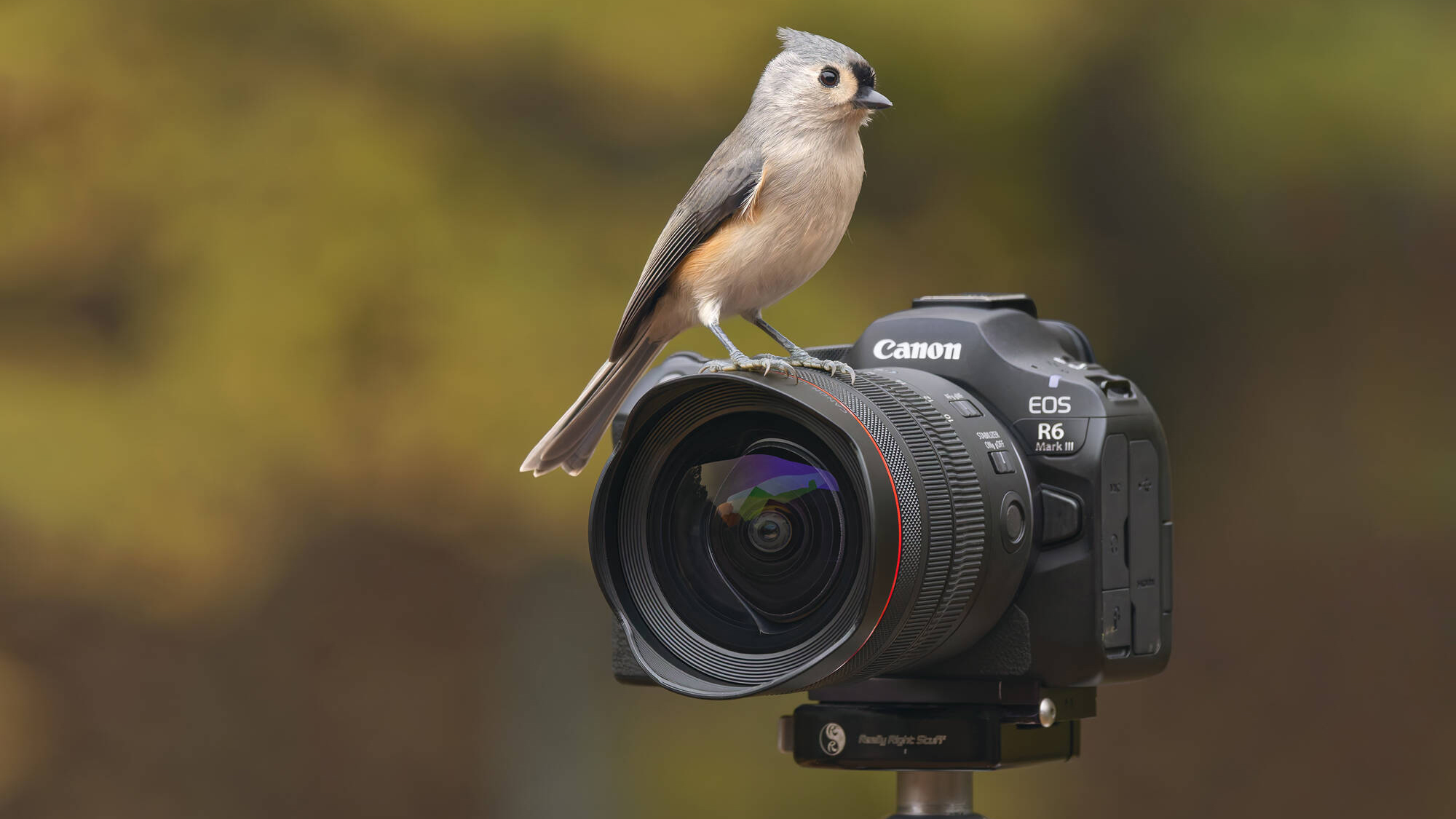
Canon has released new firmware for a lot of cameras, including the yet to officially ship Canon EOS R6 Mark III. The firmware update for the EOS R6 Mark III is a bug fix for formating issues with CFexpress cards. When your EOS R6 Mark III arrives, be sure to check that it is firmware version 1.0.1.
Canon EOS R6 Mark III v1.0.1
- Fixes an issue that, in rare instances, may prevent certain CFexpress cards from being formatted in the camera.
- Download
Canon EOS R5 Mark II v1.2.0
- Adds support for the EOS Multi Remote, a remote shooting system for professional photographers. For an overview and specifications of EOS Multi Remote, please refer to the Canon website: https://ssw.imaging-saas.canon/app/app.html?app=emr
- Fixes an issue that in some cases caused the live-view to appear distorted or an Err70 notification being displayed in situations when the user was capturing a multiple exposure shot in a dark environment.
- Fixes an issue in which image transfers to an FTP server may fail, displaying Err41.
- Fixes an issue that, in rare instances, may prevent certain CFexpress cards from being formatted in the camera.
- Other improvements to system stability.
- Download
Canon EOS R5 v2.2.1
- Fixes an issue that, in rare instances, may prevent certain CFexpress cards from being formatted in the camera.
- Fixes an issue that may prevent the camera's firmware from being updated via an Internet connection, even when a newer firmware version is available on Canon servers.
- Download
[affiliatable id='309719′] | [affiliatable id='309718′] |




Canon should give us also in photo mode option to take a video, at least in classic HD and 4K so that we can take a video while we take a photos, in order to save time going from one OS to another. Canon should know that many of us are multi function video - photo users. Many times for wedding's, we need quicker switch over video - photo mode (operation's) in a second. 4, 5 second for us is to long to loose what we need to capture. I am suggesting in photo mode HD 1920 x 1080 60f/s and 4K 60 f/s in normal video recording to be added in photo mode.