When you purchase through links on our site, we may earn an affiliate commission. Here's how it works. |
For most creators, recording is the easy part, but the real challenge starts after, and that is to edit the video. Using manual video editing tools means sitting through hours of footage, adding captions line by line, and much more. The creative energy is taken up by the grind of post-production. However, Vmake.ai changes everything.
Powered by AI, it provides quick fixes and advanced edits with ease. Be it inserting captions or removing background from a video, this tool helps you with everything. Let's take a closer look at Vmake.ai's features that can help you save hours while creating videos.
Vmake.ai Features That Transform Your Editing Process
Vmake.ai brings all your editing tools together in one place. This simplifies post-production so you do not have to constantly switch between tabs and apps. Here are some standout features that make creating videos faster:
Auto captions & video editing
Vmake's automatic caption generator allows you to create accurate, ready-to-use captions in seconds. All you need to do is simply upload your video. After that, AI will handle the transcription and syncing automatically. You can also upload a separate subtitle file for auto-captioning. The best part? AI-powered algorithms in Vmake analyze context, tone, and grammar to ensure every caption flows naturally. This eventually improves accessibility for viewers.

This tool also allows you to easily adjust colors, and even translate captions into your preferred language for a global audience. It means you can easily boost and maintain your brand identity. Once ready, export your video with hardcoded captions or download the subtitle file. Perfect for boosting accessibility, and engagement without the hassle of manual captioning.
AI Video Enhancer
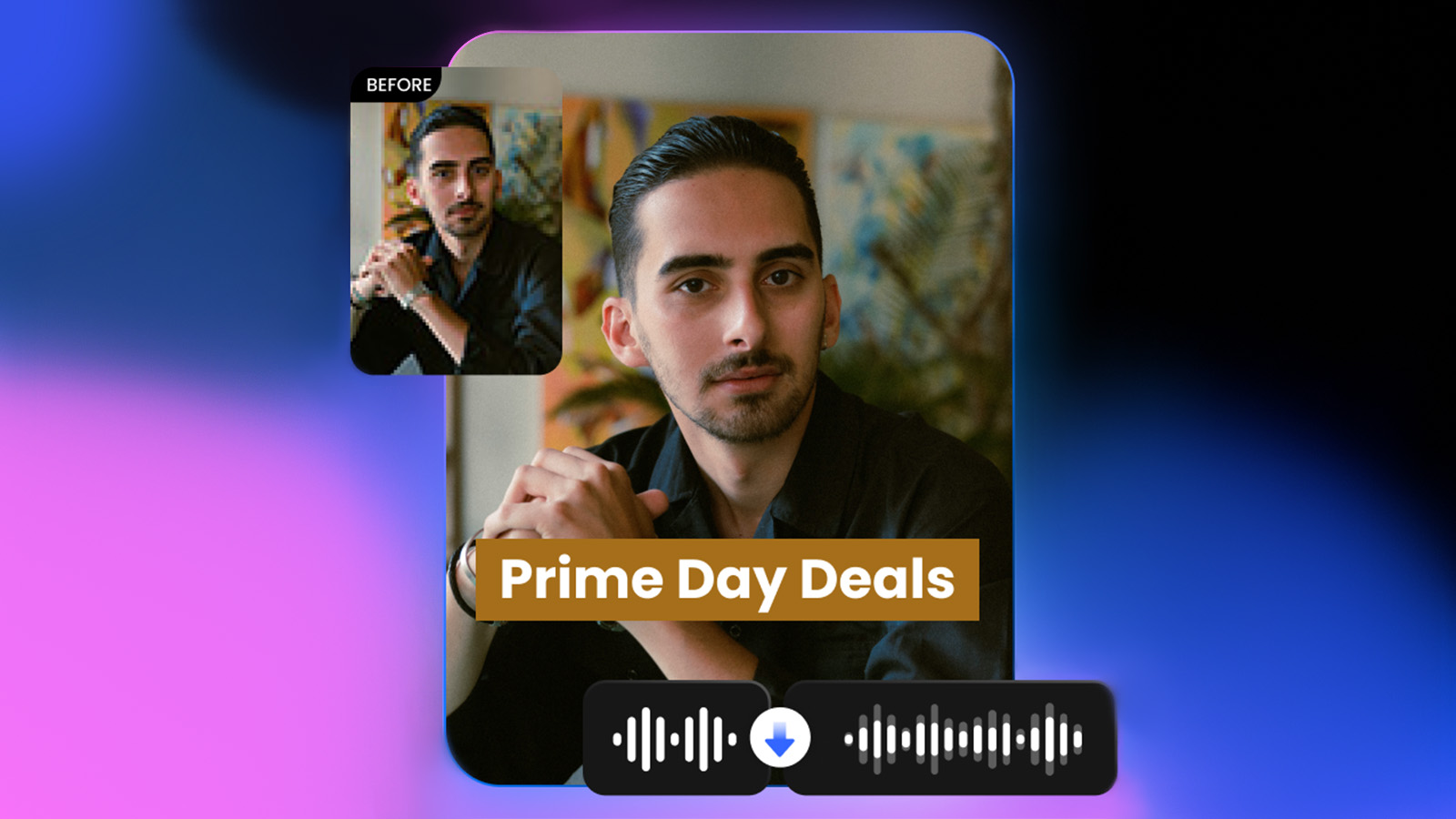
Does your video look a bit dull or blurry? No need to reshoot. With Vmake’s AI Video Enhancer, you can instantly transform your footage into crystal-clear video. The AI engine analyzes each frame, detects details, and intelligently sharpens and brightens your video. It’s powered by a lightning-fast processing backend that delivers results in seconds.
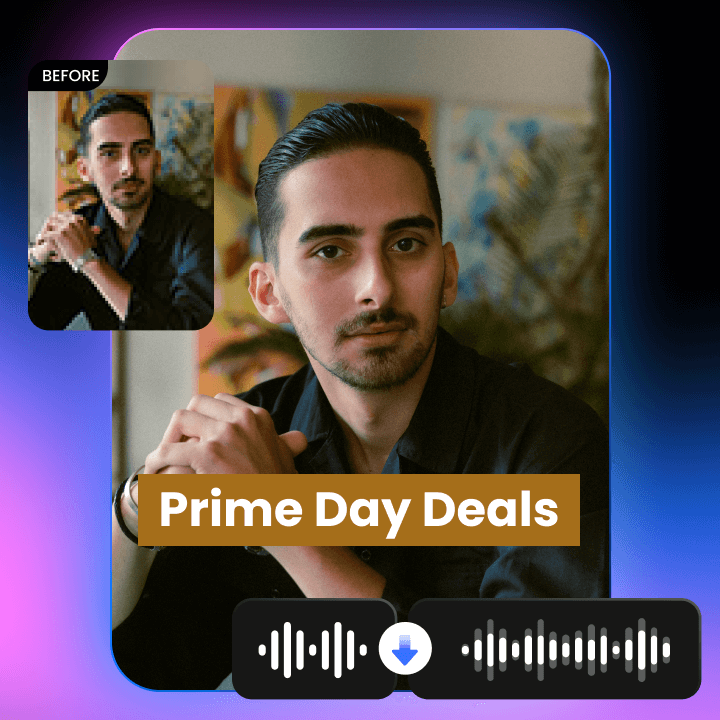
It can even detect enhancement needs for specific video types, such as people, gaming, or anime for tailored results.
You can choose between HD or UHD output based on your project’s needs and file sizing requirements. It works with all major video and image formats. Using this feature is quite easy, simply click or drag-and-drop to upload (up to 3 files at a time) in .mp4, .mov, .m4v, .3gp, .avi, .jpg, .png, or .jpeg formats.
AI Video Watermark Remover
If your video has a watermark or unwanted logo, you don’t need to jump between different apps to fix it. Instead, Vmake lets you do it right here. Just upload your video (up to 3 at a time), and each file gets its own processing card. Which means one glitch won’t affect the other parts in the video.
Using precise AI technology, this watermark remover eliminates watermarks so your video looks untouched, as if the watermark was never there. The AI can also automatically remove the watermark in bulk. After that, you can preview the clean version before downloading. You can keep the video in 1080p, 2K, and even 4K.
AI Video Generator
Stuck in the editing chair with no new footage? The AI Video Generator can help. Got a script, a single image or a rough clip? It can turn what you have into a finished, shareable video.
You can create that in 3 ways:
- Text-to-Video
- Image-to-Video
- Video-to-Video
Plus, it comes with 3 AI “engines” – KELING, VIDU, and MiracleVision. Each with its own style, from manga to cinematic to clean and modern minimalism. You can even set the length from 1 to 15 seconds. It works well for TikToks, Reels, short intros or quick ads.
AI Video Background Remover
Vmake.ai’s AI Video Background Remover lets you quickly edit your videos by removing or replacing backgrounds. You don’t need any green screen. Upload your footage (supports .mp4, .mov, .avi, and more). And the AI precisely isolates the subject frame by frame for smooth results.
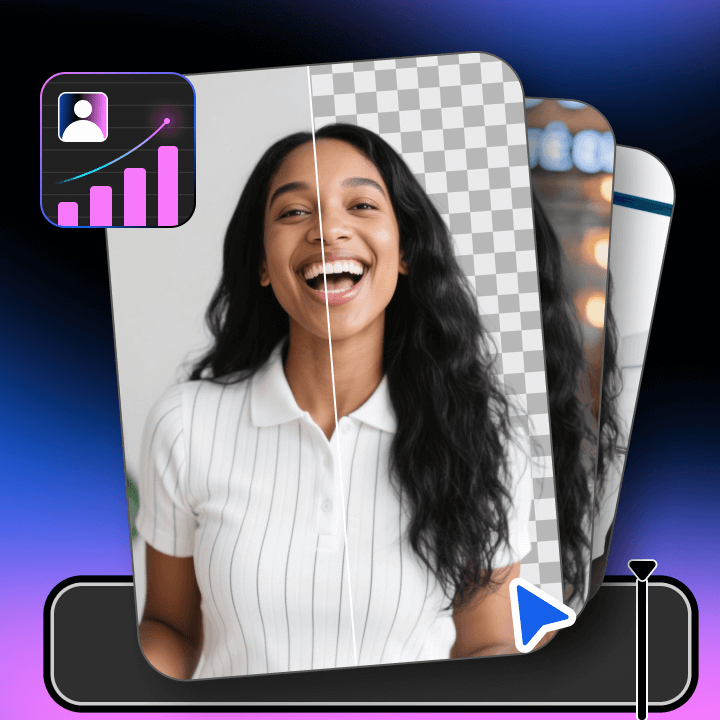
You can even choose to make backgrounds transparent, swap in solid colors, or add custom images. The tool preserves your video’s original quality. This makes it perfect for content creators who want fast background editing in their workflow.
AI Thumbnail Generator
Vmake.ai’s AI Thumbnail Generator picks the best frames from your videos or images and has ready-made templates for YouTube, TikTok and Instagram. You can customize text, colors and overlays to match your brand and export HD thumbnails that are sharp on all devices. It also has an AI Intro feature that creates opening sequences by selecting key sentences and adding subtitles and effects to grab viewers from the start.
Who Can Benefit from Vmake.ai?
Since Vmake has an easy-to-use UI and ensures a high-quality output, it's popular among various content creators. Let's talk about them:
YouTubers: They use Vmake to speed up editing—auto caption and thumbnail generators save them hours, so they can focus on content, not technical aspects.
Educators: Vmake makes lessons more engaging with clear subtitles and the ability to remove backgrounds, which helps them create engaging content.
Marketers: Quick video enhancements and AI intros make their product demos and promos pop without spending hours in post production.
Coaches: They use Vmake to make professional course videos easy, clean up footage, and add captions to keep their message sharp.
Social Media Influencers: Instagram Reels or Stories, or even TikTok? Vmake helps influencers produce trendy, polished videos fast with video generators and background removal.
Conclusion
Summing up, Vmake.ai is the perfect tool for any creator who wants to make stunning videos. It helps avoid getting bogged down by technical hurdles. It saves you time and effort in each content type. In short, with this tool, you can always deliver what your audience deserves: “high-quality videos”.
FAQs
How secure is my video content when using Vmake.ai?
Vmake.ai takes your privacy seriously. Uploaded videos are handled securely and are not shared with third parties.
How fast does Vmake.ai process video edits?
Processing times vary depending on the video length and the features used, but Vmake.ai is designed to deliver results quickly. It is often done within minutes.
Can I edit videos in different languages?
Yes. Vmake.ai supports captions and translations in multiple languages. It makes it easy to reach a wider audience
How can I cancel my Vmake subscription?
To cancel your Vmake subscription, log in and go to your profile, then “Account Settings” or “Subscription.” Select cancel, follow the prompts, and confirm. You’ll get a confirmation email, and your plan stays active until the billing period ends.
How does Vmake help improve work efficiency?
Vmake supports batch processing, letting you enhance multiple videos or images at once. This saves time and boosts productivity by reducing manual work.
How quickly can I expect a response from Vmake support?
Vmake’s customer service responds promptly, ensuring your issues and questions are addressed as quickly as possible.
Can batch processing handle different video formats?
Absolutely! Vmake supports various formats in batch mode to streamline your workflow.