

When you purchase through links on our site, we may earn an affiliate commission. Here's how it works. |
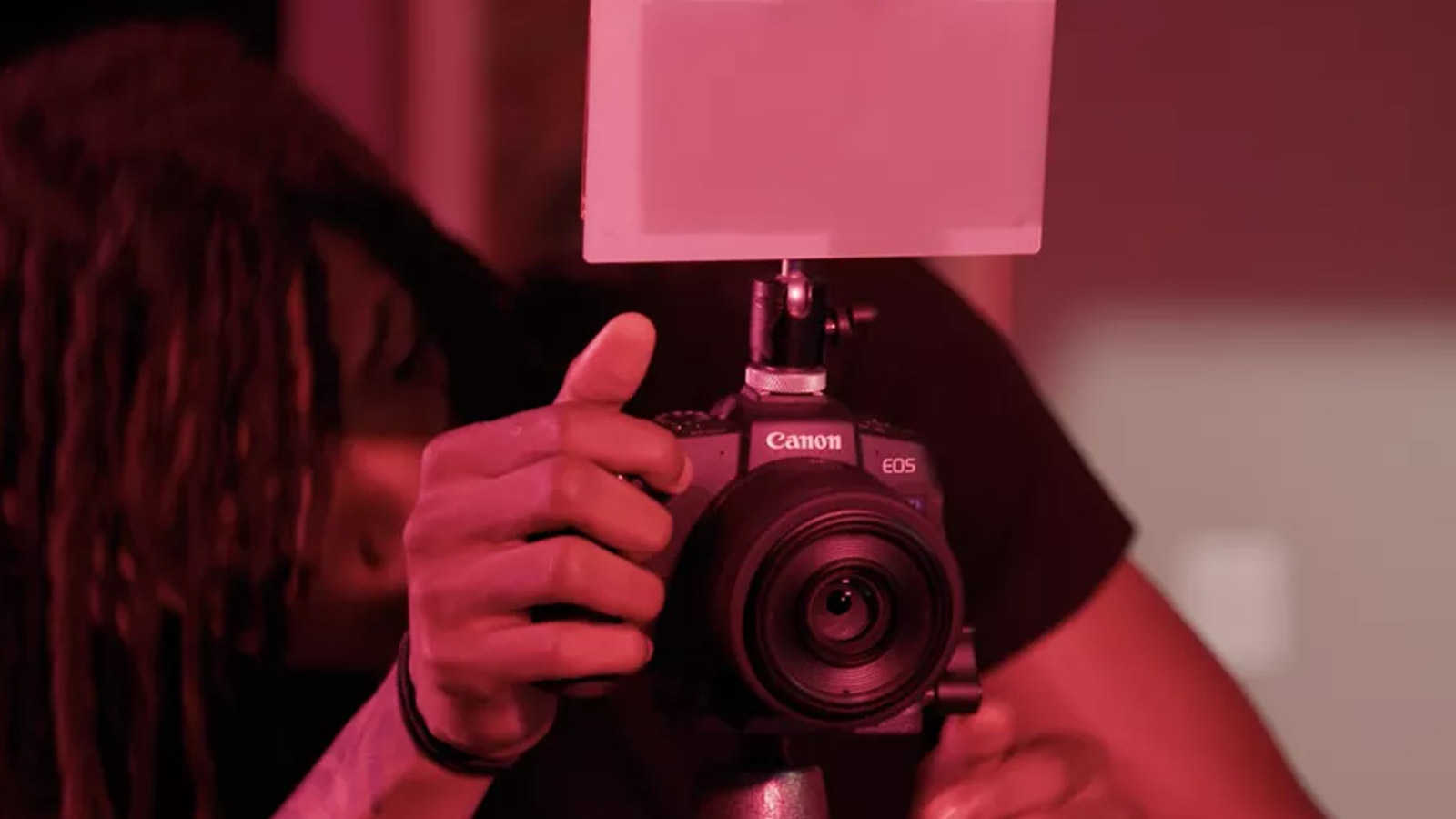
In a quiet announcement (out of probably some form of embarrassment), Canon has discontinued the EOS Webcam Utility and added its features to EOS Webcam Utility Pro, now at version 2.3f
As of August 20, 2025, distribution of “EOS Webcam Utility” will be discontinued and replaced with “EOS Webcam Utility Pro.” The functions of “EOS Webcam Utility” will continue to be available as basic functions of “EOS Webcam Utility Pro” (free of charge).
I presume the purpose of this is to have the software supported from the free version and the paid version in one source package and convince people via the freemium model to upgrade to the pro version by simply enabling the features in the application with Miss Mastercard or Mr Visa.
EOS Webcam Utility Pro has been out now for more than 2 years, and according to Canon USA
With an EOS Webcam Utility Pro subscription users have the option to unlock extensive new capabilities ranging from multiple camera connections, wireless connectivity, greater camera and content control, high-res upscaling in full HD mode, a maximum frame rate up to 60fps, the ability to output to multiple channels simultaneously, text overlays, templates and more.
The subscription cost is rather low, but there are quite a few great open source applications that may do most of what you need for free. Still, they will require additional hardware, such as HDMI capture cards, and a more limited list of Canon cameras (as the cameras would have to support clean HDMI output).
The EOS Webcam Utility Pro is supported by a wide variety of new and old cameras, including;
- EOS-1D X Mark II
- EOS-1D X Mark III
- EOS 5D Mark II
- EOS 5DS3
- EOS 5DS R3
- EOS 6D2
- EOS 6D Mark II
- EOS 7D Mark II
- EOS 77D
- EOS 80D
- EOS 90D
- EOS M200
- EOS M50
- EOS M50 Mark II
- EOS M6 Mark II
- EOS R
- EOS R1
- EOS R3
- EOS R5
- EOS R5 Mark II
- EOS R6
- EOS R6 Mark II
- EOS R7
- EOS R8
- EOS R10
- EOS R50
- EOS R50 V
- EOS R100
- EOS Ra
- EOS RP
- EOS Rebel SL2
- EOS Rebel SL3
- EOS Rebel T6
- EOS Rebel T6I
- EOS Rebel T6s
- EOS Rebel T71
- EOS Rebel T7I
- EOS Rebel T8I
- EOS Rebel T1001
- PowerShot SX70 HS
- PowerShot G5X Mark II
- PowerShot G7X Mark III
- PowerShot V1
- PowerShot V10
There are several features available on the paid track that are not available on the free version. Now, a little credit to Canon here, this is a pretty comprehensive list of features, and I'm not even sure an open-source project such as OBS would check all the boxes. I do know that OBS would certainly handle quite a few, though.
If you are looking at wireless connection to your cameras for streaming, I think the Canon solution is about all you've got, though. Wireless connection and streaming of video could certainly be worth the $4.99 per month or $49.99 per year cost of the subscription.
EOS Webcam Utility Free vs Pro
| function | Basic functions (free of charge) | Paid features (subscriptions) |
|---|---|---|
| Default scene (one camera connected) *1 | 〇 | 〇 |
| User Custom Scene | – | multiple |
| Multiple camera connection | 1 unit connection | Up to 5 devices can be connected |
| Wireless connection *1*2 | – | 1 unit connection |
| Stream to multiple channels | – | 〇 |
| UVC video input support | – | 〇 |
| Change camera settings *1*2 | Can be changed on the camera | Can be changed from the app |
| Image quality adjustment through image processing | – | 〇 |
| Editing the Scene Layout | – | 〇 |
| HD720p digital upscaling support | 〇 | 〇 |
| Full HD 1080p digital upscaling support | – | 〇 |
| Supports up to 60fps *1*2 | – | 〇 |
| Controlling Content by Channel | – | 〇 |
| Video input layout options for screen fill/fit | – | 〇 |
| Crop/flip/rotate/resize video input | – | 〇 |
| Inserting images (JPEG, JPG, PNG) | – | 〇 |
| Inserting a watermark | – | 〇 |
| Transitions (crossfades) between scenes | – | 〇 |
| Hotkey Settings | – | 〇 |
| Screen Capture | – | 〇 |
| Text Overlay | – | 〇 |
| Dynamic driver (Windows only) *1 *2 *3 | – | 〇 |
| Elgato Stream deck support *4 | – | 〇 |
| Template Support | – | 〇 |
| Language support | – | 〇 |
| Battery indicator *1*2 | – | 〇 |
| Background Blur/Background Removal | – | 〇 |
Closing Thoughts
I'm going to give an unpopular opinion, I have zero qualms about Canon charging this for support on older DLSRs and EOS-M cameras – heck, they are getting new leases on life and staying out of e-waste. Also, many of these cameras are purchased used by the current users and not even directly from Canon, so Canon is augmenting the features while getting none of the ROI on that software feature expansion.
I don't think current cameras, such as R5 Mark II, or R1, R3, etc, should have this as a subscription – and should have the ability to unlock the pro features using the camera's serial number and some camera activation sequence. That way, this all doesn't leave a bitter taste in everyone's mouth, as I've experienced with the creation of this article.
You can find out more information from Canon USA's portal on this at EOS Webcam Utility Pro.
Personally, I am waiting for EOS Webcam Utility Pro Max.







My OM-5 is plug in and go. The rest of the features OBS does. Though I usually just roll with a Logitech, perfectly fine for calls and streaming. Though I wish I had purchased a Windows Hello compatible Logitech Brio. I didn't know I'd want it and not worth another 130.
Here in the USA, COVID hit big-time in March of 2020.
My wife's yoga courses (taught at the local community college) were cancelled...at her behest her boss allowed her to teach some of her courses from inside our home (via Zoom)...starting in June 2020.
The Canon webcam application was employed at that time...using a Canon 40D (through an EF-S 10-18) as the video source.
A year or two ago, the 40D got a bit flaky and was replaced with an M200 (same lens with the required adapter).
The Canon webcam software plays nice with Zoom, and the transmitted video is far, far superior to that offered by most standard webcams (I've made comparisons...that big ol' APS-C sensor makes a huge difference).
She has not seen any need to upgrade to the paid version of the webcam software, and offers four classes per week.
Me?
I do wonder how many subs Canon has for the paid version of the software!
=====
Great post. I learned some things, including the wireless capabilities of the paid version of the software.
I suppose subscribers will be making quite serious use of it, so not unreasonable, although 1.99m might have been better... the free version should suit most Zoom calls...
Oh and in the UK now we seem to need age verification for so many things adding a camera to a computer without having to buy a webcam could be a good thing... (The only site I've done it on was Reddit... it just wants multiple photos from assorted angles in quick succession and then guesses your age.)
I'd like to try a PTZ, mostly out of curiosity. The big Canon ones can be rented here. Probably overkill on a desk.