When you purchase through links on our site, we may earn an affiliate commission. Here's how it works. |
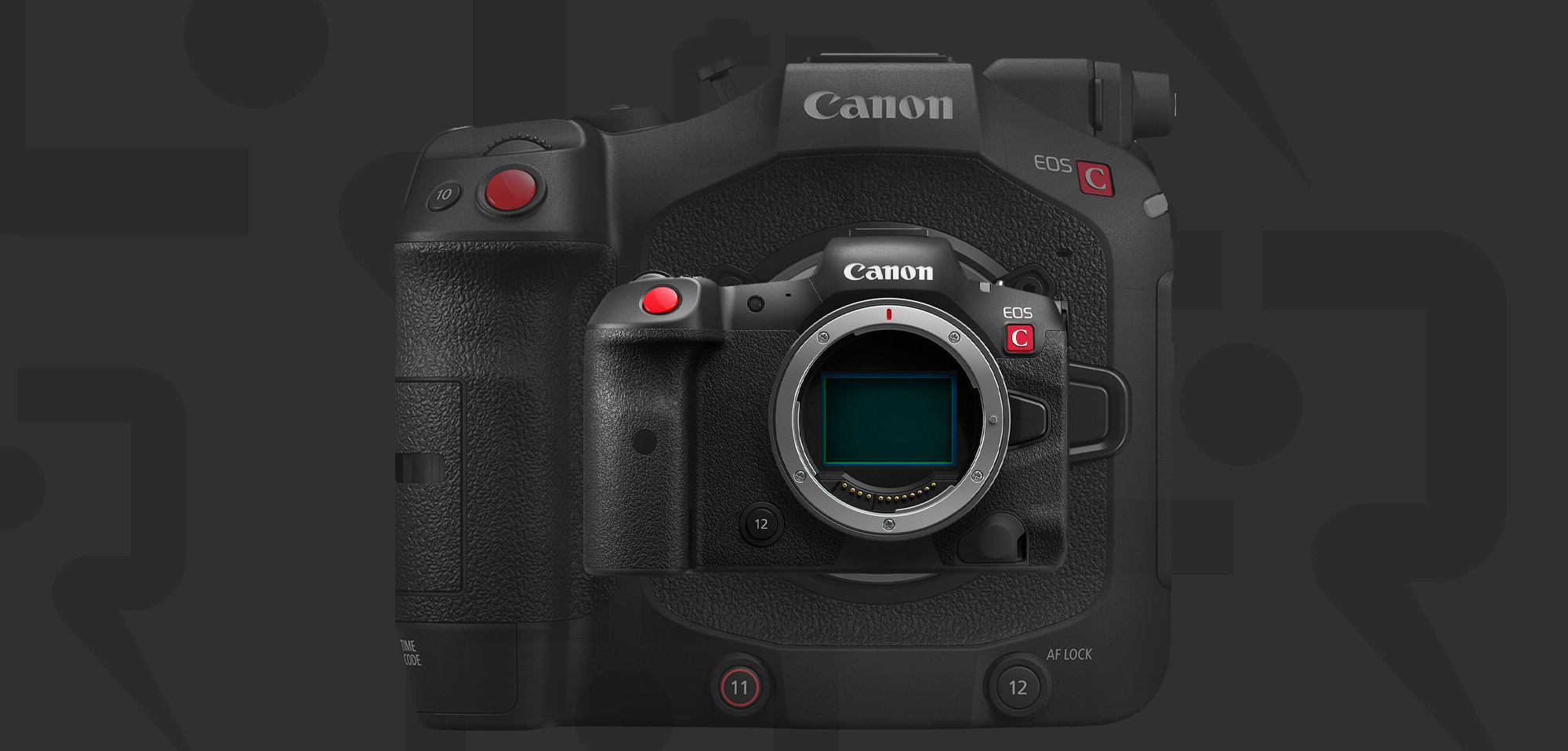
Canon USA has released firmware v1.1.0.1 for the Canon EOS R5 C and Canon Cinema EOS C80. This update addresses the accuracy of timecode.
This firmware update also includes features from the previous version. I guess Canon wants you to update your firmware if you skipped the last versions.
New Feature Firmware Information
- The accuracy of the timecode when the camera is turned off and the [Time Code Run] setting is set to [Free Run] has been improved.
Previous Firmware Features Included in the Update
- Enables functions to be used without limitation in conjunction with the new Battery Pack LP-E6P. This makes it possible to shoot 59.94P with RAW LT.
- Enables the display of the digital tele-converter icon on [Main Recording Displays] of [DISP Level 2].
- Adds the ability to apply Full-Screen display to an external display according to OSD Output setting when using [Peripheral Border Display].
- Adds function [Tracking by Touch priority] for starting tracking by touching the LCD.
- Enables the AF Frame and Focus Guide to be moved by dragging.
- Adds [Protect Images] and [Rating] during FTP Transfer. (Photo Mode)
- Adds the [Motion Vector For Digital IS] menu option. Default [Disable]*
- [Disable]: Prevents a phenomenon that may cause the image to shake along with the subject when recording a subject (such as a person or an animal) with a large amount movement.
- Changes the menu option name of [PTP Connection/GP-E2] in [USB Mode] in [System Setup] to [Canon App(s)/GP-E2]. For Android devices, please select [Canon App(s)/GP-E2].
- Adds support for the RF-Mount Cinema Lens: CN7x17 KAS T/R1
- Support for Magnification chromatic aberration correction
- Support for Peripheral Illumination Correction.
- Support for Distortion aberration correction
- Displaying T number.
- Enables the remote operation from the camera and RC-V100 (Focus/Zoom/Iris)
- Enables the remote operation from Browser Remote (Focus/Zoom/Iris)
- Enables the zoom operation by joystick on camera body.
- Support for Dual Pixel CMOS AF autofocus
- Support for [Dual Pixel Focus Guide].
- Support for [Push Auto Iris] and [Auto Iris]
- Fixes minor issues.
You can download both at Canon USA.
Canon Cinema EOS C80 v.1.0.2.1 // Canon Cinema EOS R5 C v1.1.0.1