Best CF Card for the 7D

Status
Not open for further replies.
K3nt said:
I got a Kingston Ultimate 32GB 600x CF card for my 7D and couldn't be happier. The price/performance ratio is spot on. Costs about the same (or less) than the 16GB SanDisk version. I paid 130eur for mine (around 150-160USD).
I'm gonna get me some more of these babies.
Whether I need the speed or not is another question. I just like knowing the card has the performance when I do need it + I'm a tech geek in general. ;D

I'm not going to argue pros and cons, this card worked for me and might be worth looking in to in your case too.

The Kingston 600x Ultimate cards are not great at all. Bad in fact. Just bought some of these 16Gb "600x, 90Mb/s" cards, and my Sandisk 60mB/s (400x) Extreme writes much much faster.

The Kingston reads at about 57Mb/s with my USB3 card reader and writes at 17Mb/s.

The Sandisk Extreme reads at 58Mb/s writes at 43Mb/s. Really, really noticable in my 7D.

False advertising. Not happy. Stay away!
 
Upvote 0
I use 8, 16 & 32gb Sandisk 60mbs cards in my Canon gear.. I've never had any problems, but never had anything to compare it to. I've also formatted a card and used the software that Sandisk provide with the cards and recovered ALL of my 8gb of data.

On the Nikon d3x's we use 32gb 90mbs Sandisks and they are amazing. So fast to write and download on our firewire readers. We were originally using Lexar cards and had multiple data errors when transferring and card errors while shooting.

I definitely recommend a firewire CF reader. I have a few of these..http://www.bhphotovideo.com/c/product/492648-REG/Lexar_RW034_001_Professional_UDMA_FireWire_800.html... they work very well, even when daisy chained directly to a firewire HDD.
 
Upvote 0
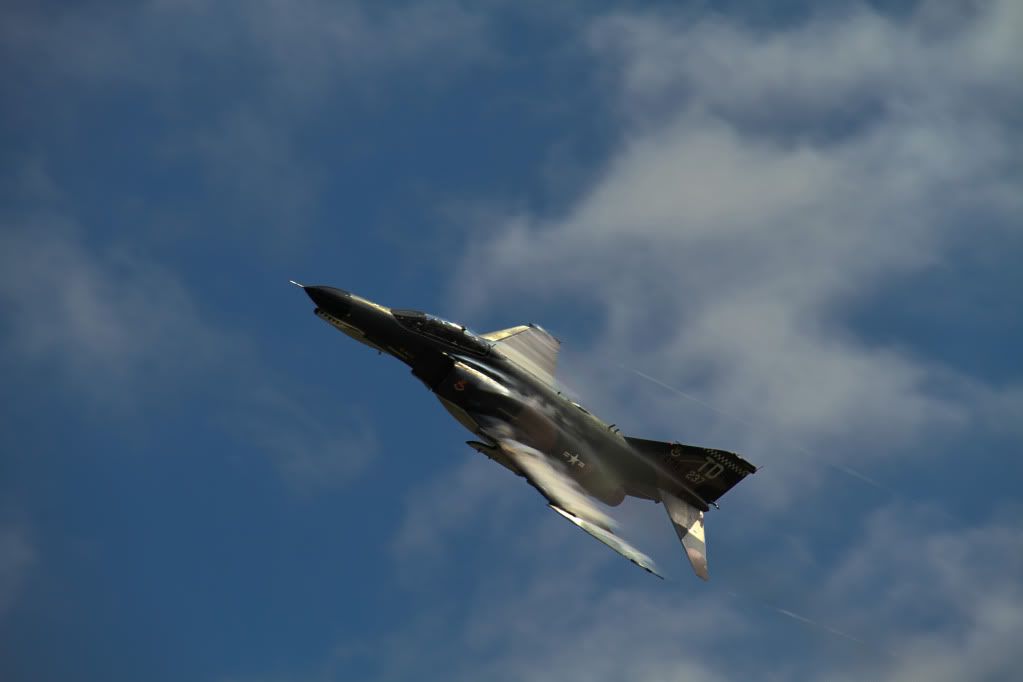
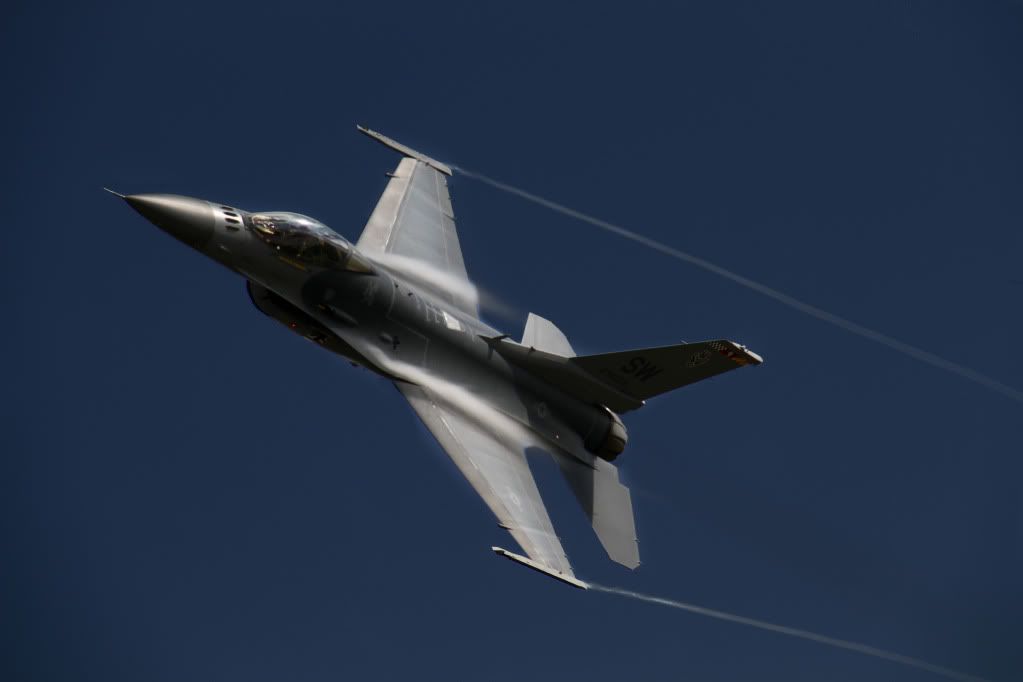
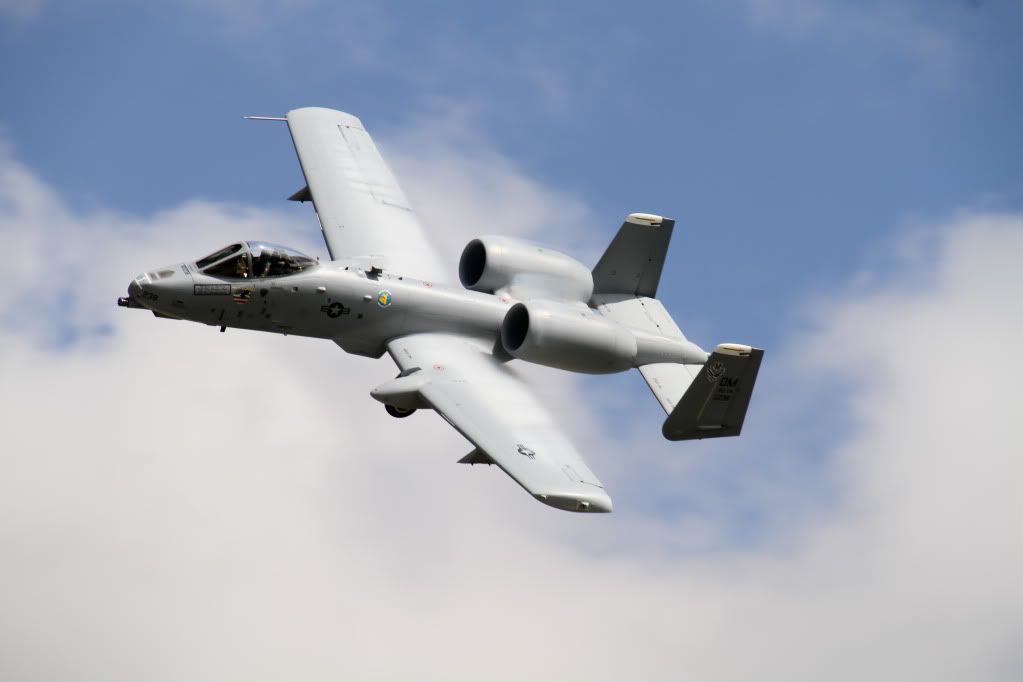
I’ve been using a SanDisk 16GB 60MB/s Extreme for 2 years now with my 7D and have never had any problems with the card or noticed any lack of speed writing to the card. At an air show a year ago I took 2200+ pictures all jpg's but the card and camera was perfect all day. I’ve never had a sandisk card fail me and will continue using them.

untitled1of1.jpg


IMG_2074-1.jpg


IMG_1397.jpg
 
Upvote 0
I came across some info on the internet:

"7D Manual says that for VIDEO your card should do at least 8MB/sec read and write.
Assuming cards don't necessarily perform at their rated capabilities but below, take a card that is performing slightly better.

Considering that 1x = 150KB/sec, here are the most common card speeds:

6x = 0.9 MB/sec
8X = 1.2 MB/sec
12X = 1.8 MB/sec
20X = 3.0 MB/sec
25X = 3.8 MB/sec
30X = 4.5 MB/sec
32x = 4.8 MB/sec
40x = 6.0 MB/sec
60X = 9.0 MB/sec
66x = 10.0 MB/sec
80X = 12.0 MB/sec
90X = 13.5 MB/sec
100x = 15.0 MB/sec
133x = 20.0 MB/sec
150x = 22.5 MB/sec
200x = 30.0 MB/sec
266x = 40.0 MB/sec
280x = 42.0 MB/sec
300x = 45.0 MB/sec
433x = 65.0 MB/sec
600x = 90.0 MB/sec
666x = 100.0 MB/sec

So, unless you are shooting MULTIPLE FRAMES PER SECOND RAW, there is NO NEED to go to the super fast cards for video!
Save yourself a lot of money and get a x133 (20MB/sec) card. That will be largely enough. Spend the difference on higher capacity cards (16 or 32GB) instead. "

I myself use Transcend 32 GB 133x and shooting RAW (AI-Servo) at soccergames. No problem here
(I also have Sandisk 8 GB (60mb)

Here is the Wikipedia info on speed of cards
 
Upvote 0
I only bu cf from trusted brand. I have few sandisk and lexar n my bag. Why i would throw money on things that are really small compared to my hand? Dodgy brand almost usually gives dodgy result. You might be lucky to have no problem or what so ever with that dodgy card. But dont expect your client to understand your problem when you say "sorry but i lost all the files from yesterday shoot" its not his problem its yours. You might even get sued if there a contract for it. Bottom line. Always buy from trusted brand. Its not like lexar or sandisk never fail. They do fail but the probability is smaller than other dodgy brand.

Remember to buy your cf cards from official retailer. There are a lot of fake sandisk out there. BEWARE WHEN MAKING PURCHASES ONLINE. ESPECIALLY WITH SOME DODGY ONLINE RETAILER.
 
Upvote 0
from my personal experience ,

I have one

8GB sandisk extreme III

Centon 16G- 233X ..they both perform similar with my 7D for more than a year and centon is very cheap , I will not buy Sandisk again.

and now i am planning to buy this one , seems really good

32Gb 600X for 51 euros

http://flashraptor.de/product_info.php?info=p3_compactflash-32-gb-speedindex-600x-bulkware.html
 
Upvote 0
Having seen defective off brand CF memory burn out two Canon DSLR's before it was figured out, I stick to the major brands. Even more important, I buy from a reliable dealer. There are many counterfit cards out there, and they are slower than the real thing.

I'm always skeptical when someone tests a major brand and finds it to be slow, is it counterfit?? Its been a big Problem in the UK with even major dealers getting caught up in counterfit memory and batteries, I hope thats been cleaned up now.
 
Upvote 0
I have a Canon 7D, and use a number of CF cards, most of which are 'previous model' Sandisk Extreme III and an Ultra II - which are rated at 30MB/s. Note - some time back Sandisk changed the ratings of their disks, so when someone says "Sandisk Extreme n or Ultra n" it actually depends when that card was made (better to use the 'MB/s rating' if displayed).

Back in the 'olden days' (ie when I had my first digital P&S that used CF and my old HP PDA) I also had a few other types and brands (eg Sandisk standard 'blue', Kingston, Transcend, etc) But some of these are so small, that they only large enough to hold 1 or 2 photos from my cameras now! :P

Several years ago, I did a lot of testing of the speeds of those 'old' CF cards (mainly in my USB2.0 card reader), and actually there was quite a lot of difference in both read/write speed. I did the same tests with USB1.1 and USB2.0 flash memory (the 'USB thumb drive' type). I won't bore you all with the details, but just share a few insights: a) the faster CF cards had similar write speeds to the fastest USB2.0 thumb drives (back about 5 years ago) b) the (Sandisk) Micro Cruzer drives I bought for myself and another for a friend were both consistently slow and seemed to be very 'fussy' about format (the exact 'block' size, etc c) I did buy a faulty USB drive (would often 'corrupt' data). I took it back and replacement was fine.

Now to answer the OP's question. My more recent experience is that the Sandisk cards that have 30MB/s disks work well for my normal shooting with the 7D (I frequently do a burst of 3 to 5 usually large JPEGS). Occasionally (eg ad-hoc sports or small fast birds in flight), I will take more - but nearly always just JPEG. However I have done tests using my 30MB/s and other (slower) cards and if shooting RAW (and esp RAW+JPEG) in a burst, it seems to slow down after 1.5 to just over 2 seconds of burst (when the camera is writing images from buffer memory to CF memory). I've used a faster card from a friend, (UDMA) - and the write to card is noticably quicker. :o

If I will get another card, size and reliability is probably more important to me than speed - and I'll probably get Sandisk again - because of their reputation and guarantee here in Australia. I would probably get a fast card (something 60MB/s or faster) 'just in case' I ever get into more sports or will change my workflow to be RAW. I've never had a hiccup with any Sandisk brand CF card (in terms of reliability, formatting, corruption).

Finally, on the 'aside' - I've found the Sandisk software that comes with the latest few CF cards I've bought great for recovering 'lost photos'. Actually on 2 separate occasions I have recovered data from friends' memory cards (one from a P&S and another a DSLR) who 'thought' they had lost all their precious photos (read: hundres family and holiday!) In one case I recovered about 80% of photos from a SD card where the camera (or user) had accidentally deleted the photos, and in the other case all but about 2 or 3 photos (several hundred restored). My friends were so thankful to me for recovering it. I always encourage people to back up photos (and save in another building, so that in case of theft or natural disastor - one set might be saved!) ::)

Regards

Paul
 
Upvote 0
Status
Not open for further replies.