When you purchase through links on our site, we may earn an affiliate commission. Here's how it works. |
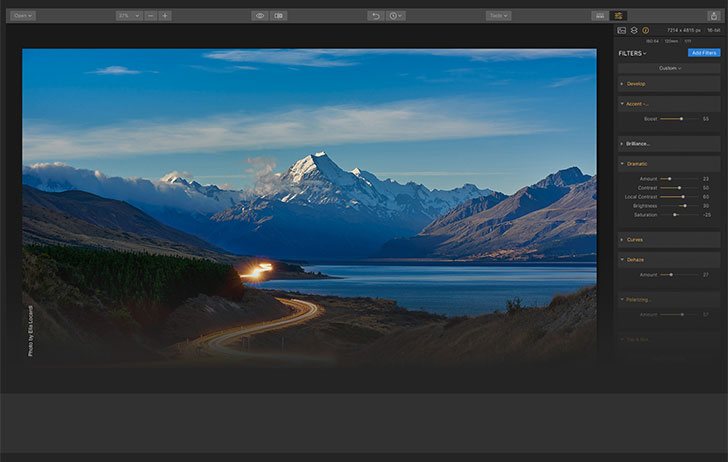
Skylum has provided a significant update to Luminar 2018 for Windows and Mac.
What’s New with Luminar?
This free update brings the following new and improved features to improve your Luminar editing experience:
WINDOWS USERS
- Language support: You can now enjoy Luminar in many more languages.
- Brush Size: Use the left and right bracket keys ([ and ]) to adjust the size of your brush. Add the shift key (Shift+ [ or ]) to adjust the Softness. It’s now easier than ever to mask.
- Curves: The Curves filter is improved for better results
- Merge Layers: Permanently merge two or more layers with Merge layers feature.
- Improved Sidebar: The sidebar controls are even easier to use and navigate.
- Cropping improvements: The cropped state of an image is now correctly captured in the native Luminar file.
- Adobe plug-in improvements: The plugins for Adobe products have been performance tuned.
MAC USERS
- Improved Raw Support: We’ve improved RAW Develop support and added Leica Monochrom .DNG , HEIC formats. We’ve also improved support for Hasselblad and several other cameras.
- Photos for Mac: Luminar works even better as an extension for Photos for Mac.
- Adobe plug-in improvements: The plugins for Adobe products have been performance tuned.
- Improved cross platform files: We’ve fixed issue with Dodge & Burn filter masks for documents created on Windows.
Remember you get $10 off Luminar 2018 full and upgrade by using the coupon code “CANONRUMORS”.