
You are using an out of date browser. It may not display this or other websites correctly.
You should upgrade or use an alternative browser.
You should upgrade or use an alternative browser.
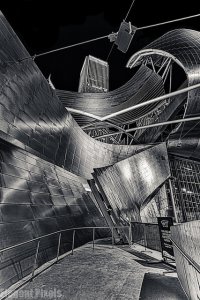

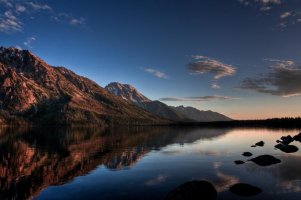
IMG_0564_5_6_tonemapped by TexPhoto, on Flickr

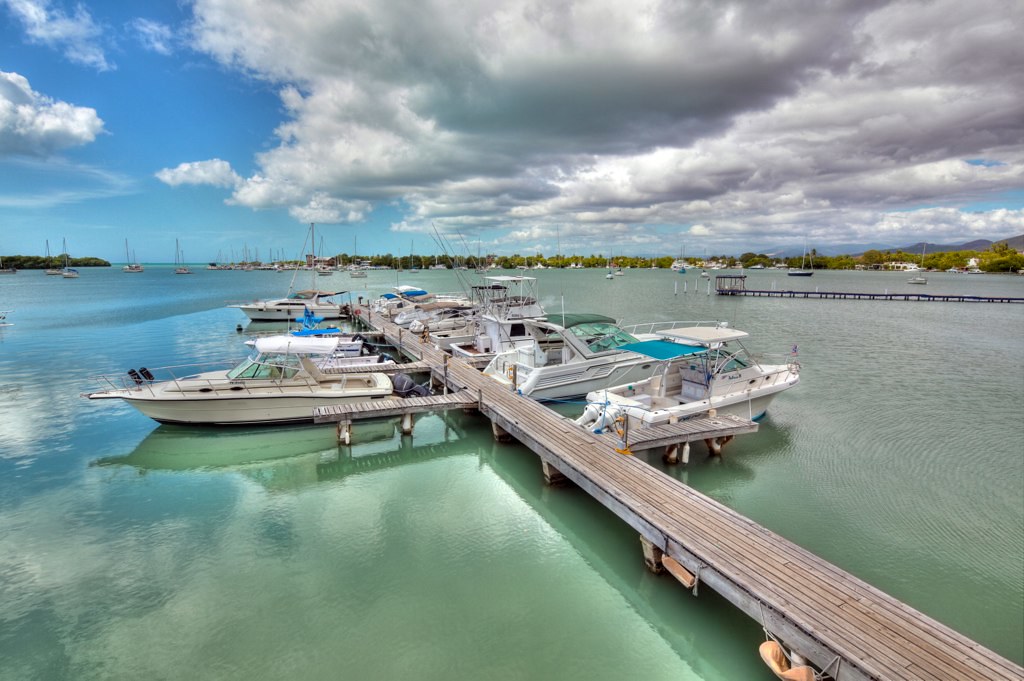
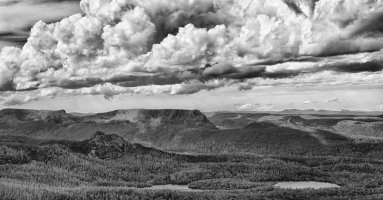
IMG_1979_7_8_tonemapped by TexPhoto, on Flickr

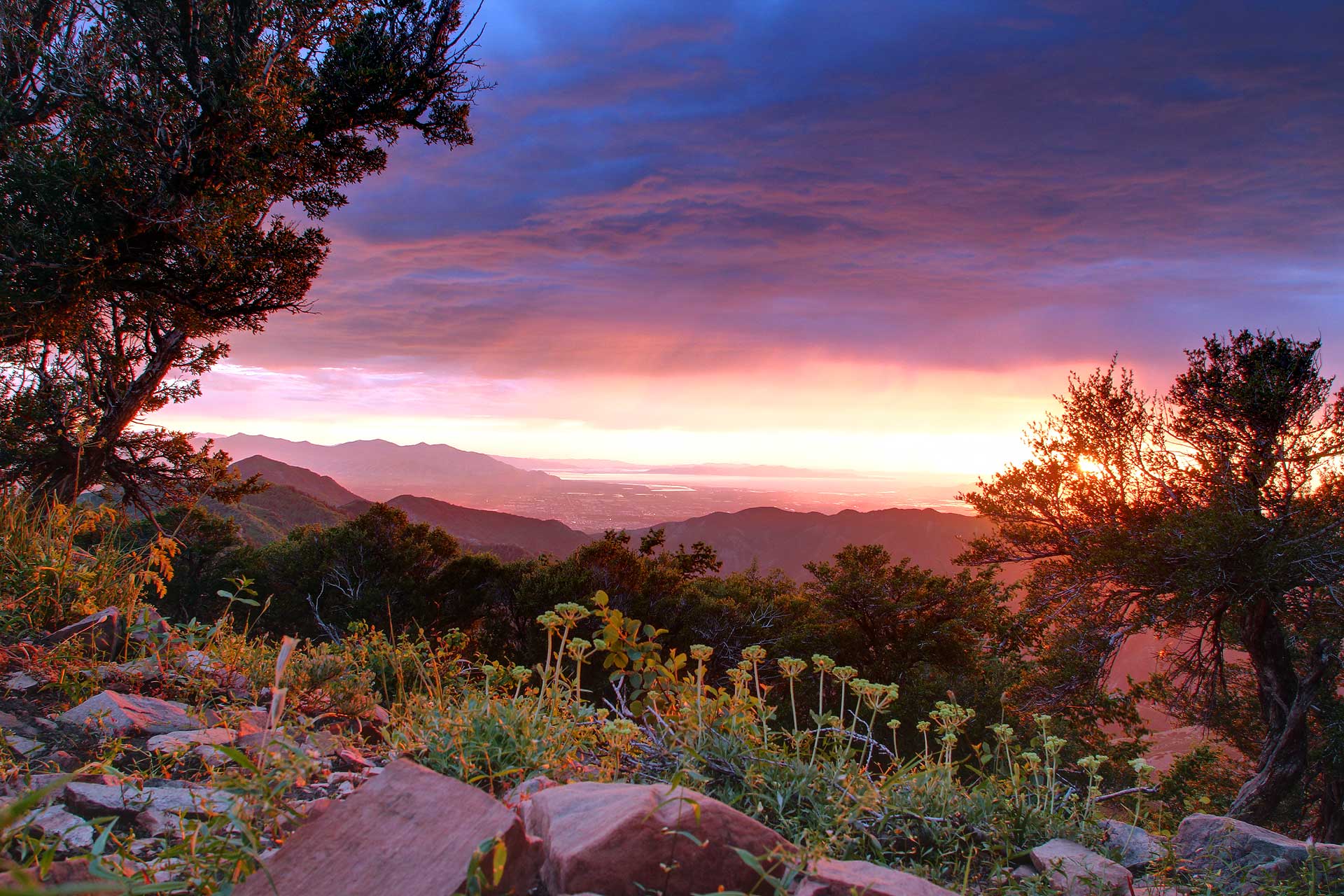
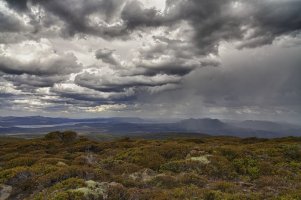
IMG_3308_10_09_tonemapped by TexPhoto, on Flickr
Upvote
0


Upvote
0
I used photomatix and tried both tone mapping and fusion, I dont like the results now but i've posted around a few times before i found this guythesirren said:On a slightly different note, what software do you guys use for processing your shots? Also what type of processing do you prefer "Tone Mapping" or "Exposure Fusion"?
http://goodlight.us/
he uses luminosity masks to blend his brackets together, kind of a manual tonemapping so he is able to get much more smooth clean natual looking HDR, have a look at his tutorials. Not quick as processing in a cookie cutter program but I think the results are significantly nicer
I'm still playing around with his techniques.
Upvote
0

M
metrodcphotography
Guest

Upvote
0

Hmm, not sure what happened to the text I wrote.
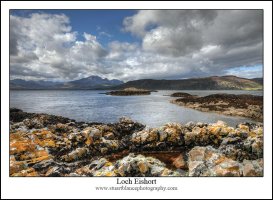
Sorry, I missed this and thanks. I used a Singh Ray 3 stop reverse grad for the sky, then I think I bracketed 3 shots (although I could have produced 3-4 TIFFs from a singel RAW), it's been a few years. I tonemapped the 3-4 exposures using Photomatix, reducing the amount of HDR to as low as possible, while still maintaining highlight detail in the rockpool. My aiom was to keep it as natural looking as possible, although in reality, the rockpool should be darker than the sky.
Sorry, I missed this and thanks. I used a Singh Ray 3 stop reverse grad for the sky, then I think I bracketed 3 shots (although I could have produced 3-4 TIFFs from a singel RAW), it's been a few years. I tonemapped the 3-4 exposures using Photomatix, reducing the amount of HDR to as low as possible, while still maintaining highlight detail in the rockpool. My aiom was to keep it as natural looking as possible, although in reality, the rockpool should be darker than the sky.
wickidwombat said:those are some really nice shots! I'd be interested to hear some more details about how you processed that first one I like it alot (+1 for you!)Kernuak said:I'm not really a fan of HDR, mainly because there are so many poor examples and because I think it is used too much and has almost become cliched. There are some nice ones here though, that don't look too unnatural. This was the last shot I did with HDR, which was actually a combination of grads and HDR.
Fire and Water by Kernuak, on Flickr
Sorry, I missed this and thanks. I used a Singh-Ray reverse grad on the sky, then used Photomatix to recover the highlights in the rockpools. It's a while since I did it, but I think I bracketed three shots and tonemapped them (although it's possible it was a single shot to produce 3-4 TIFFs from the RAW), reducing the amount of HDR as much as possible, so that it just recovered the detail, to prevent it looking unnatural. Of course, in reality, the rockpools would be darker than the sky, but I wanted it close enough to be able to view it as potentially natural.
And an earlier one that immediately made me imagine pteradactyls flying about. It was a sort of landmark image for me too, as it was one of the first images where I felt I'd mastered the lighting and used it for effect on the rocks and water.
Jurassic Evening by Kernuak, on Flickr


Upvote
0


Upvote
0
Jordansternphotography said:Here are some of mine:
www.jordansternphotography.com
You have beautiful photographies. I love the Dairy one with selective colors. I started a thread on the use of selective colors if you want to pop by
www.jordansternphotography.com
www.jordansternphotography.com
www.jordansternphotography.com


Upvote
0

From someone who isn't too crazy about HDR, most of these are very nicely done! Great work, fellas!
Upvote
0
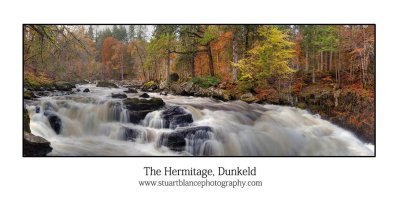
stuartblance said:12 exposure, 4 shot pao of hermitage, dunkeld.
processed in photomatix
edited in cs5
This is stunningly beautiful! I have a stupid question.. What camera did you shoot with? My 5D mkII has a bracketing function, but only for three exposures. I could do it manually, but from memory that would be from - 2 to +2, which with half stops would be 9 exposures? How do you get 12 exposures? And why do you use the other program first and not just automate it in photoshop? Following the last quesiton, what is the benefit of using the other program first?
Upvote
0
S
stuartblance
Guest
Thank you for your comments.
firstly was shot on 5DII, 4 sets of 3 exposures(+/-1) processed in photomatix4.
why do I do this, well I dont like hdr mode in photoshop.
I feel I have a lot more control here.
once combined and tone mapped, I take tiff back into cs5 (opening as a raw file)
this allows me to process the combined hdr as if it had come out of camera.
in cs5 I work in layers and find tools like colour balance to be invaluable in briging even more photo realism to my work.
once I had processed the 4 seperate hdr's, I stitched them in PTGUI.
hence the 12 exposure, 4 shot hdr pano
firstly was shot on 5DII, 4 sets of 3 exposures(+/-1) processed in photomatix4.
why do I do this, well I dont like hdr mode in photoshop.
I feel I have a lot more control here.
once combined and tone mapped, I take tiff back into cs5 (opening as a raw file)
this allows me to process the combined hdr as if it had come out of camera.
in cs5 I work in layers and find tools like colour balance to be invaluable in briging even more photo realism to my work.
once I had processed the 4 seperate hdr's, I stitched them in PTGUI.
hence the 12 exposure, 4 shot hdr pano
Upvote
0
Similar threads


- Replies
- 10
- Views
- 9K
