There are a couple of commonly-used rules when it comes to shooting on overcast days:
1. Avoid the sky as much as possible - use the overcast conditions as an opportunity to have a giant 'diffuser' in your lighting arsenal. Obviously that's not always going to work for an action shot where you'd like some background, etc, so we'll move on.
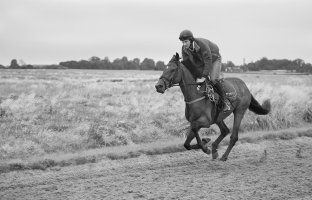
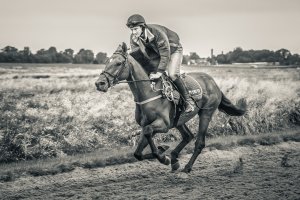
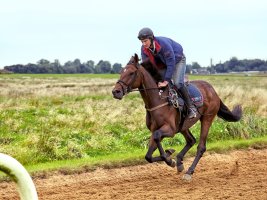
2. Use black and white. That's what I've done here. Using Photoshop CS4, I first cloned out that rail in the foreground. Then I rotated (levelling the horizon) and cropped it - the classic 1/3 layout (nothing original there, but it works). Then levels (just using auto, with clipping disabled). Then black and white conversion, setting the colour conversion to occur in a way that brings the subjects' details out (the horse's head, the rider's jacket, etc). Then I did a very gentle 20% burn on the sky - you never want to overdo this, otherwise it looks nasty. Then a couple of little dodges here and there. Reduced to 25% size for posting here, and a very gentle unsharp mask and a couple of little sharpens (with the brush) here and there.
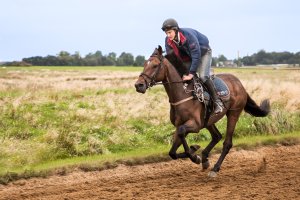
Before I did the B&W conversion, it looked okay, but I think it really pops in greyscale.

Note: it looks way better in Photoshop than in a browser or Windows Photo Viewer.