LR4.1 RC to blame. Check this out!

Status
Not open for further replies.
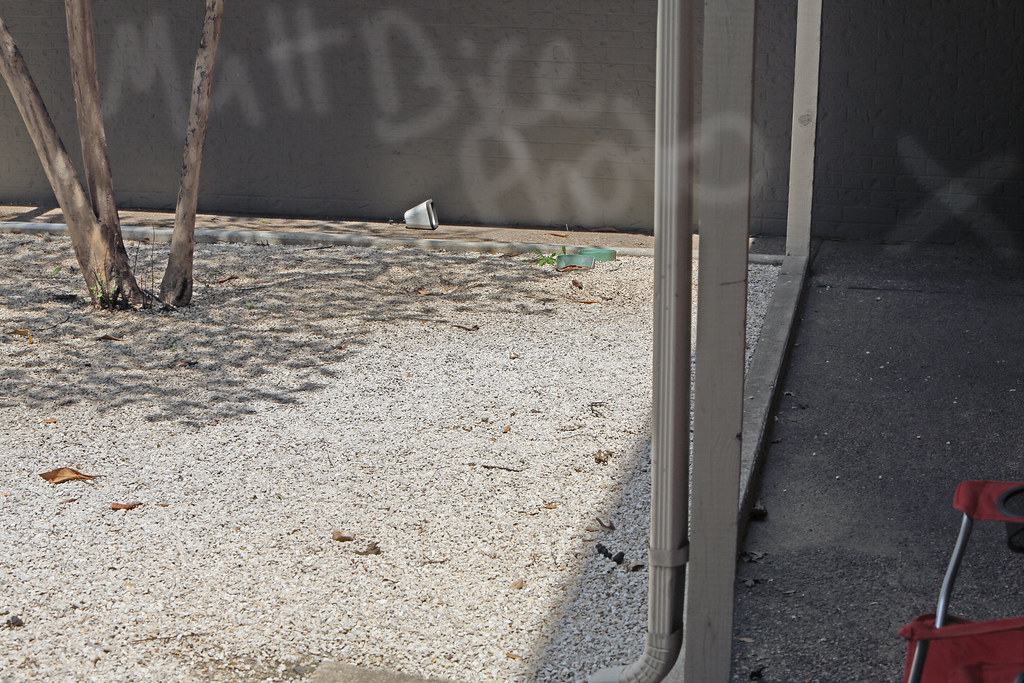
So I read in the EOS bodies for stills forum that DPP handles the RAW files far better than light room. So to test this, I took this photo outside of my apartment with a bright texas sun off of white rocks and a nice dark shadow in the covered hallway. I opened the photo with DPP and just saved it to Full tilt TIFF. I then opened the photo in CS5.5 and Duplicated the background layer. On this new layer I adjust the shadows and highlights to 100% on the shadow slider. I also brightened the "X" even further using the dodge tool set to shadows and 100 exposure.

Let me blow your mind a little.
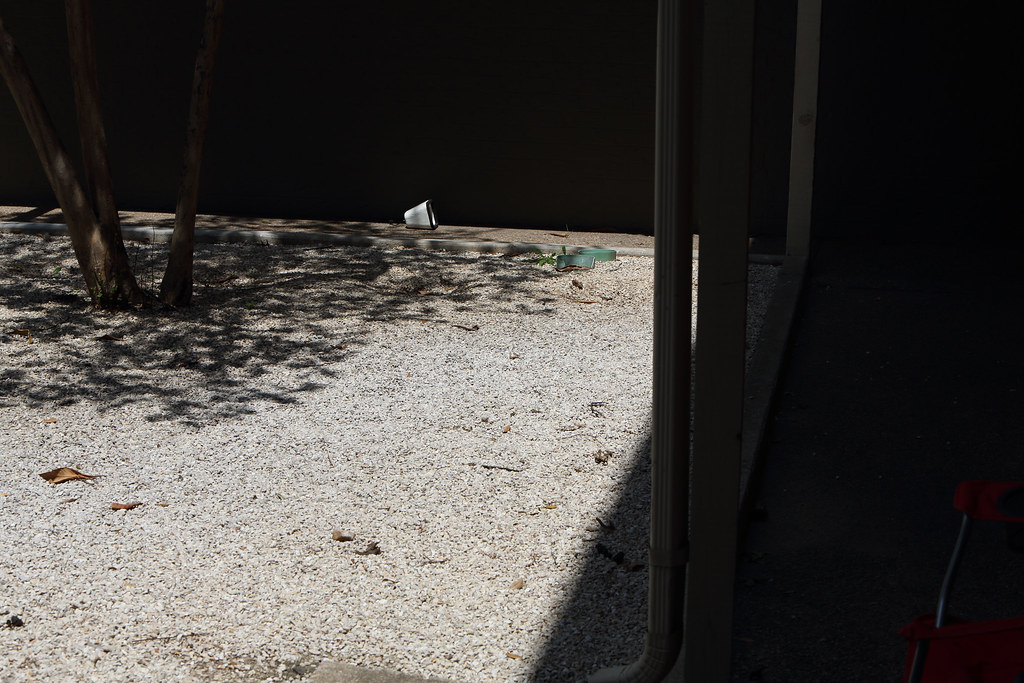
7133044449_80d50ce4a9_b.jpg


AND......

7133055985_d1eb9a9800_b.jpg


obviously these could not have been taken by a 5D3............. ::) ::) ::)

http://www.flickr.com/photos/mattbicephotography/ here is my photostream so you can go look at the pictures at full size. I think LR4.1 RC certainly works better with Nikon.
 
I realize there is some slight banding in that shadow but, It is really pushed up quite a bit. Let me try the same thing in light room.


Don't get me wrong. The Nikon is amazing and I am certainly feeling some gear envy but, I think the lack of a good converter has really hurt Canon. I read, in the luminous landscape review I believe, that the D800 and LR4 are a match made in heaven, I can't say the same about the 5D3 and LR4.
 
Upvote 0
Err... is this the same camera we know and love ???

If it turns out that LR is the problem with DR in the 5d3 (and Canons before it?) then we need to throw our weight on Adobe to find out what the problem is. I know for sure there's NO WAY I could push anywhere near that amount out of the shadows on the 5d2. I now wonder if it's LR or the cameras!?

(and I've always loved LR so much :( )
 
Upvote 0
Can I ask a question: do you get the same result if you push the exposure in DPP rather than using shadows in Photoshop?

Can you try pushing the exposure in DPP and LR by a similar amount and posting a 100% crop of an area that's very dark?

This is VERY interesting!
 
Upvote 0
PhilDrinkwater said:
Err... is this the same camera we know and love ???

If it turns out that LR is the problem with DR in the 5d3 (and Canons before it?) then we need to throw our weight on Adobe to find out what the problem is. I know for sure there's NO WAY I could push anywhere near that amount out of the shadows on the 5d2. I now wonder if it's LR or the cameras!?

(and I've always loved LR so much :( )

+1! I certainly hope that this hasn't been a problem with earlier Canon's and that they will do a very thourough fix with the acr supporting 5d3. I can't ever start to use DPP, it's like wiping your a$$ with the other hand suddenly...
 
Upvote 0
PhilDrinkwater said:
Err... is this the same camera we know and love ???

If it turns out that LR is the problem with DR in the 5d3 (and Canons before it?) then we need to throw our weight on Adobe to find out what the problem is. I know for sure there's NO WAY I could push anywhere near that amount out of the shadows on the 5d2. I now wonder if it's LR or the cameras!?

(and I've always loved LR so much :( )

I get very pleasing results pushing shadows using Capture One 6. I saw that stuff on the FM site and as a result tested and I don't get all that trash in the shadows with 5D2 and Capture One 6. I also did shadow recovery on a very problematic shot from a 60D and no problems with it either.
 
Upvote 0
Viggo said:
PhilDrinkwater said:
Err... is this the same camera we know and love ???

If it turns out that LR is the problem with DR in the 5d3 (and Canons before it?) then we need to throw our weight on Adobe to find out what the problem is. I know for sure there's NO WAY I could push anywhere near that amount out of the shadows on the 5d2. I now wonder if it's LR or the cameras!?

(and I've always loved LR so much :( )

+1! I certainly hope that this hasn't been a problem with earlier Canon's and that they will do a very thourough fix with the acr supporting 5d3. I can't ever start to use DPP, it's like wiping your a$$ with the other hand suddenly...

You might want to download the Capture One demo...
 
Upvote 0
PhilDrinkwater said:
Can I ask a question: do you get the same result if you push the exposure in DPP rather than using shadows in Photoshop?

Can you try pushing the exposure in DPP and LR by a similar amount and posting a 100% crop of an area that's very dark?

This is VERY interesting!

Here is one from LR4.1 RC, DPP doesnt let me push just the shadows that far, or at least that I could figure out quickly.

7133254333_000a1a1edc_o.jpg
 
Upvote 0
MattBicePhotography said:
In another thread it was brought to my attention that increasing luminance NR in LR does help quite a bit with the noise in the shadow.

Yes, in all fairness to Adobe, I found ACR to do a very nice job...if you play with the sliders. Which brings us back to the FM blog. The credibility flies out the window in my book when you post something like that based on *default* slider settings. I mean after all, it's a *slider* for a reason. Of course none of this diminishes the stellar performance of the D800 but it is just plain goofy IMO to post a blog like that.
 
Upvote 0
Status
Not open for further replies.