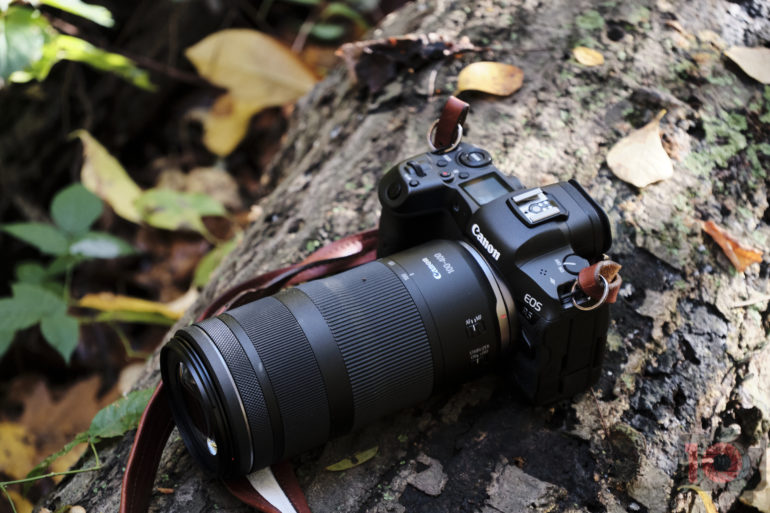
The R5's viewfinder turns off after a few seconds.
Hello, I wrote through the viewfinder. the settings do have an impact. if you set the timeout to 3 minutes and then look through the viewfinder for 3 minutes without pressing any other button. then the viewfinder turns off after 3 minutes. but that was not the case before the 1.4 update. back then, the viewfinder remained active even if you had not occupied the sensor in front of the viewfinder. so you had no delay at all when you turn it on. since the viewfinder remained active. the current delay when switching on costs me a lot of time in some situations.I am confused, are you asking about the display or the viewfinder? My viewfinder turns off when I take my eye away from it, I guess I've never timed it while looking thru it, it has never shut off while I was using it. Its set to 3 minutes and I never use it for that long. It lights up before I can get my eye in place, its almost instant, probably 1/60 of a second. I've never set it to viewfinder only so I don't know what effect that would have. I have firmware 1.4 I can set both display and viewfinder to various times or disable shutoff.
I did hold my viewfinder to my eye for about 30 seconds, no sign of it shutting off.
Upvote
0